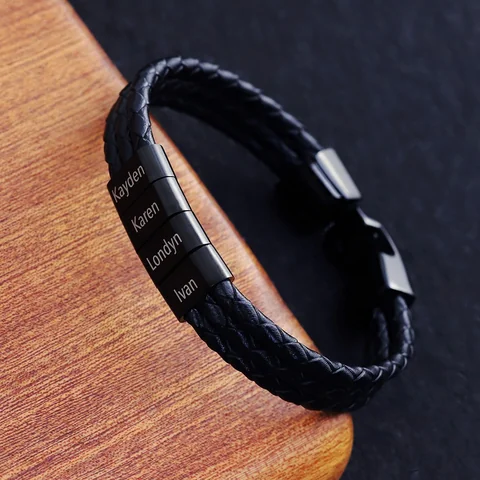
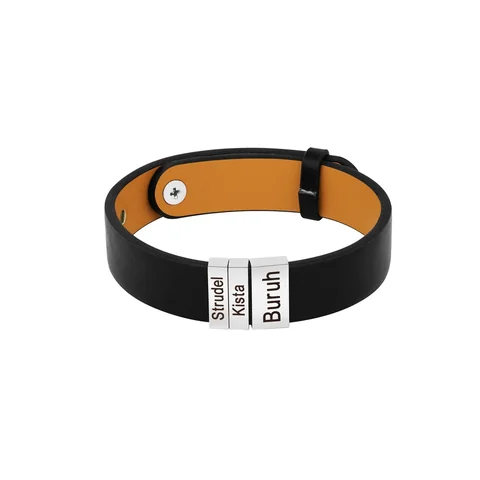
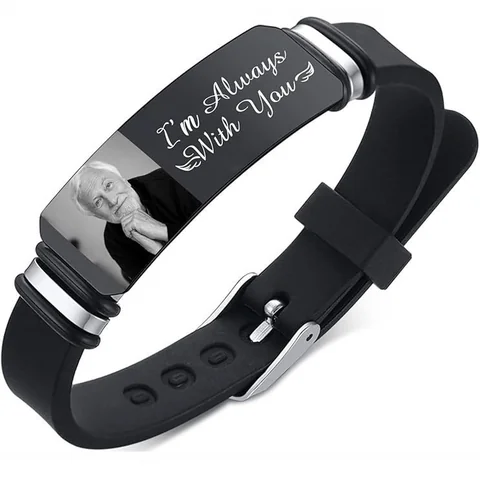
A preview can help choose a layout. A production proof can identify the intended manufacturing brief. A finished-piece check concerns what was actually made. One stage should not be presented as the other.
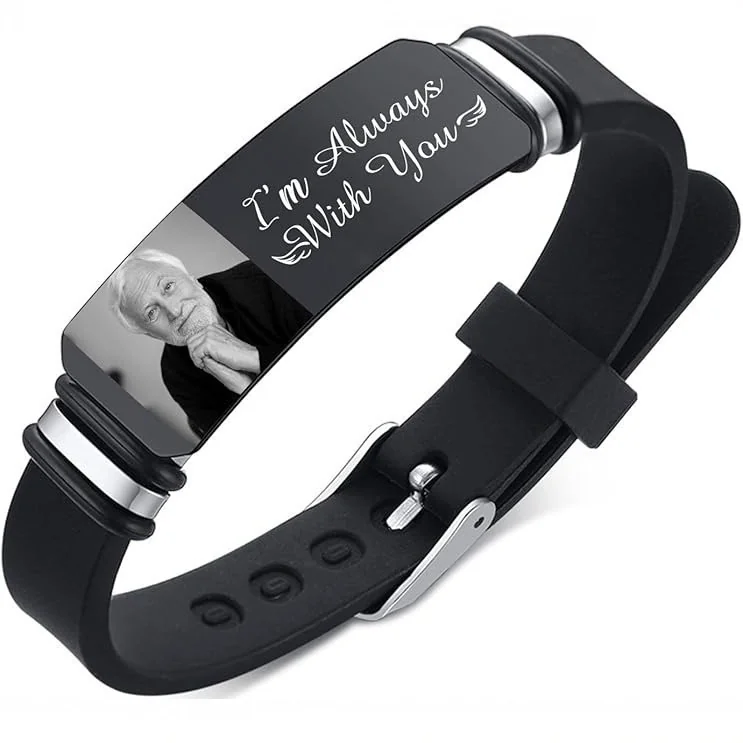
Ask what each image represents
| Stage | Useful check | What it does not establish |
|---|---|---|
| Visual preview | Preferred crop and text arrangement | Finished surface quality |
| Production proof | Exact region, text, option, and process | Delivery of a matching piece |
| Finished-piece review | Agreement with the approved brief | Unperformed durability testing |
If a seller uses the word “proof,” ask which stage they mean and what details are fixed by approval.
Save approvals with their scope
Write “crop approved” when only the crop was reviewed. Do not label that decision “product approved.” Keep the version, date, and unresolved questions together.
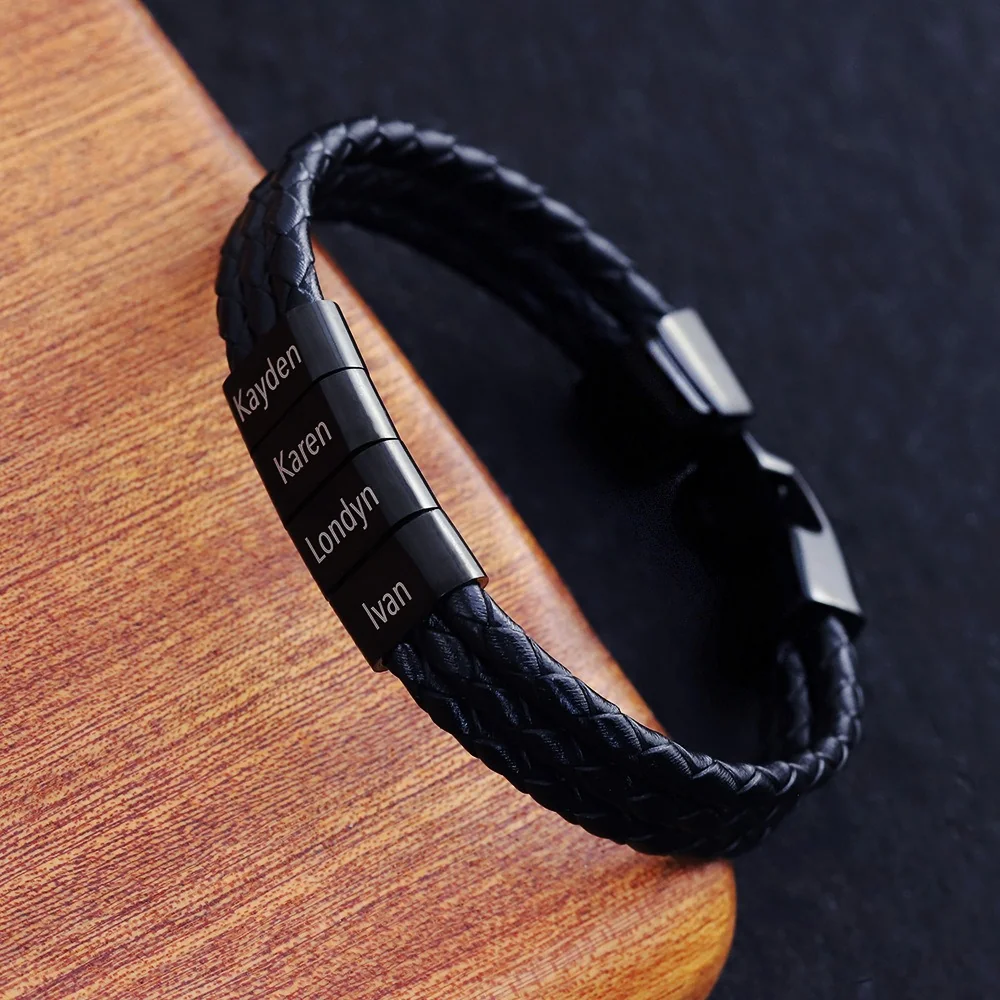
The current The Portrait Cuff and The Family Bracelet pages provide references, with manufacturing capability still requiring confirmation. A working on-screen customization field does not itself confirm the production method or make the item purchasable. Ask for the missing stage before relying on a finished-result claim.
Give each approval a precise label
A layout decision can be valuable without approving the whole product. You might confirm the people included in a crop while leaving image treatment unresolved. You might confirm name order while waiting for an approved physical arrangement. Write the decision using its actual scope so the next person can understand what is settled and what still needs attention.
Labels such as “crop approved,” “text approved,” and “option awaiting confirmation” are clearer than a general checkmark. Include the relevant filename or proof version. If the screen image changes later, the old approval does not automatically apply to the new arrangement. A new crop, changed inscription, or different option deserves its own review of the affected details.
Review a visual preview for editorial choices
Use a preview to inspect composition: who remains in the photograph, what is removed, how words are arranged, and whether the selected detail receives the intended emphasis. Compare it with the unchanged source file and exact text record. Do not compare it only with your memory of the image or with a similar gallery example.
For a name-element design, check the number and order of displayed names and their spelling. For a photo design, check boundaries and recognition priorities. These are useful preview checks even when physical production remains unconfirmed. They become misleading only when a visual result on screen is described as proof of the finished surface or assembly.
Identify what a production proof is meant to fix
Ask the maker to explain which decisions the proof controls. A useful production discussion identifies the exact option, process, usable region, selected source, and written content. If the provided proof lacks one of these, ask whether it remains unresolved or is documented elsewhere. Do not fill the gap with a specification from another reference.
Keep questions beside the proof. For example, “The crop is acceptable; please confirm whether this version uses the stated image process.” This preserves the accepted editorial choice while requesting the missing manufacturing information. If a proof is merely another digital layout, label it accordingly rather than giving it authority it has not been shown to have.
A fictional approval trail
In this fictional editorial example, Kim chooses a portrait and a first-name inscription. Preview one includes the correct face but clips the glasses. Kim requests a wider crop. Preview two preserves the glasses and uses the correct name, so Kim approves the crop and text only. The image process and physical placement are still unanswered.
When a later production document identifies a different option, Kim does not reuse the earlier general approval. Kim checks whether the crop, text area, and process still apply to that version. If a correction is needed, the revised document becomes the active proof and the old one is marked superseded. This prevents a favorable comment on an early preview from becoming an accidental approval of later changes.
If a finished piece is eventually available, Kim compares it with the final approved document. That comparison addresses whether the agreed crop, wording, and option were followed. It does not establish water resistance or long-term image durability, because those were not demonstrated by the approval trail.
Prepare a finished-piece comparison
Check the piece against its approved brief before comparing it with promotional photographs. Verify the identifying option, the inscription, the intended quantity of elements, and the agreed image boundaries. If a feature appears different, describe the difference plainly and retain the relevant proof version. “The approved crop retained the whole glasses frame; this image omits its left edge” is more useful than “it looks wrong.”
Use a clear photograph to document an observable issue if the applicable service process asks for one. Do not perform a destructive test to establish whether the piece matches a layout. Care, durability, and any remedy follow the applicable product information and seller terms; this comparison checklist does not create those commitments.
Keep the chain of evidence readable
The final review folder can contain the source file, the accepted crop, the exact text, the active proof, and the decisions attached to each stage. Remove ambiguity by marking alternatives and superseded versions. Someone should be able to see what was approved without treating a gallery photograph, a screen preview, and a finished-item photograph as interchangeable evidence.