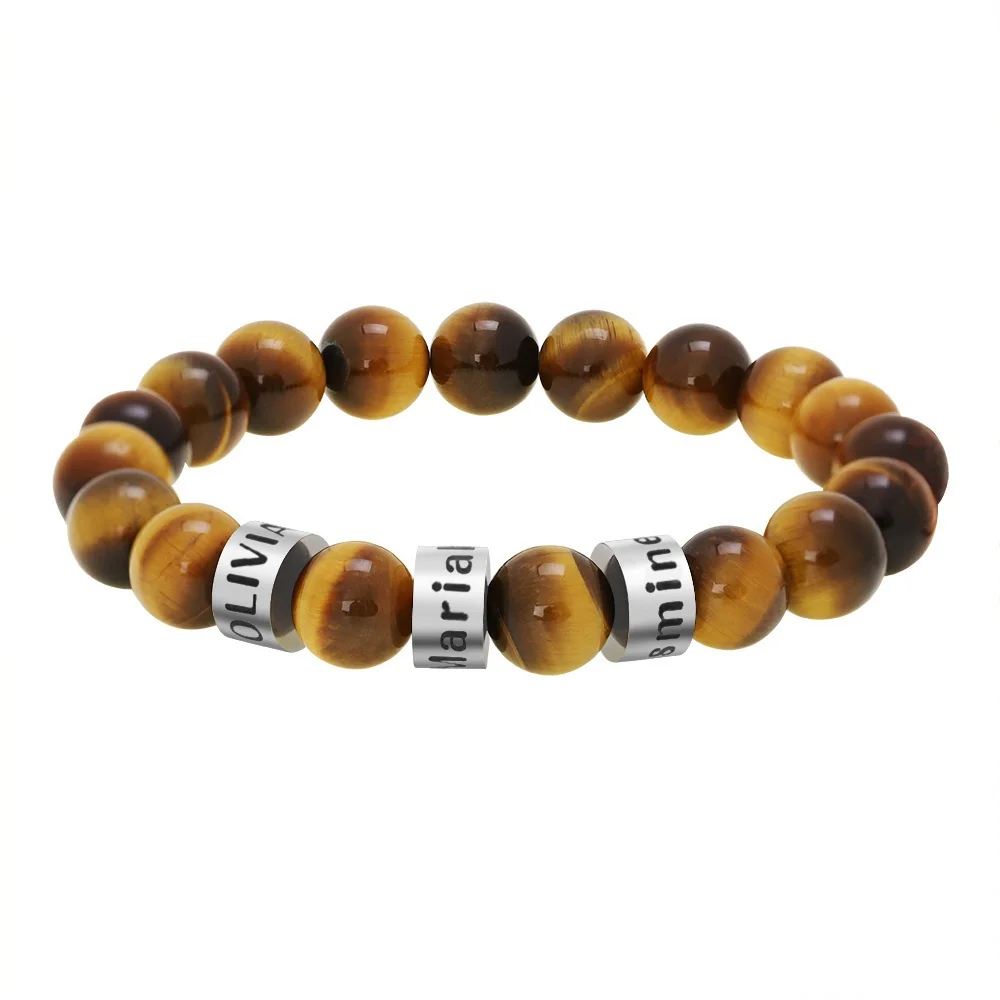
Read the page as a set of claims to verify. A clear photograph and a name field can help you explore a design without establishing every manufacturing or purchasing detail.
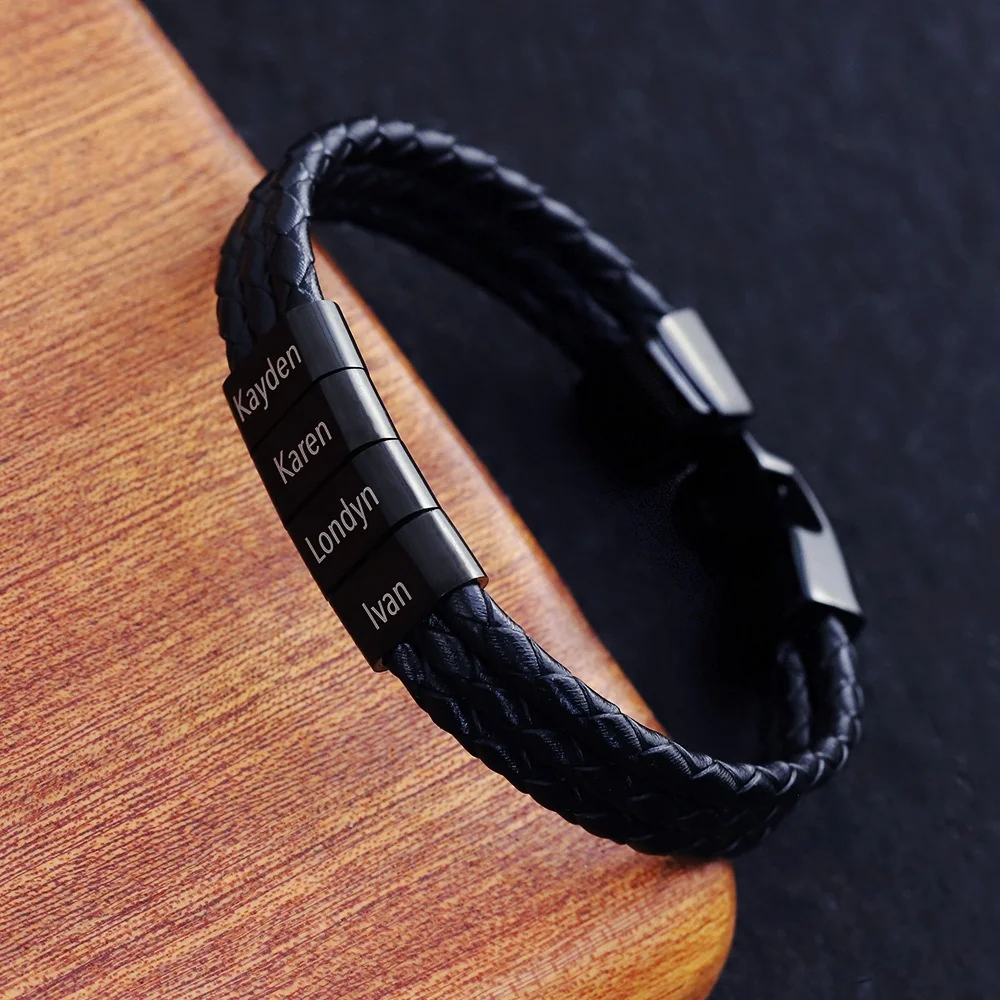
Check six fields
| Field | What needs a clear answer |
|---|---|
| Identity | Exact product ID and option |
| Components | Material statement for each relevant part |
| Personalization | Method, regions, included elements, and limits |
| Fit | Measurement definition and intended range |
| Proof | What review stage is offered and approved |
| Purchase | Whether ordering is open and applicable terms are supplied |
Keep missing information visible. A blank material field is not evidence that two bracelets have the same material.
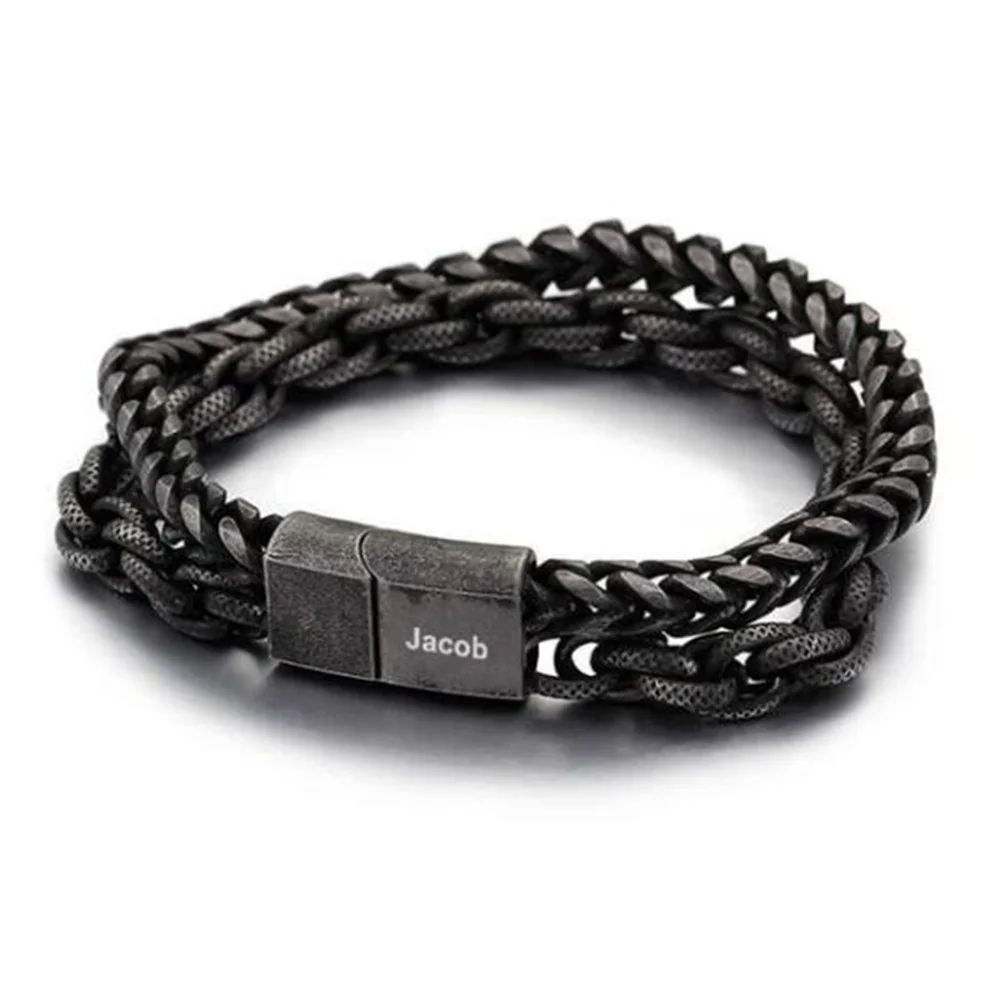
Ask about the decision-changing gap
For The Family Bracelet or The Double Chain, identify the missing field that prevents your choice and ask one precise question. Keep the reply with the ID and date.
Check the selected Energvia product page for current purchasing information, available options, and any conditions that apply to the intended version. Do not interpret a displayed price or functioning preview as a working checkout. Resolve purchasing state and the product-specific brief before making a deadline or budget commitment.
Start with the decision you need the page to support
Write the intended result before browsing the details. You may need three names in a specified order, one phrase in a particular position, or a piece that meets an already defined fit requirement. This turns the page review into a focused check rather than an attempt to infer every possible feature from a photograph.
Separate essentials from preferences. Correct names and suitable fit can be essential; the surrounding outline may be flexible. If a detail is merely preferred, record it that way. A page that leaves an essential requirement unresolved belongs in a different readiness category from one that lacks only a decorative preference.
Read identity and configuration together
Record the product URL, identifier, and exact option label. Compare the written option with the image being used as the reference. If the gallery shows more name elements than the option identifies, note the mismatch. A clear photograph cannot define inclusion when the written configuration remains ambiguous.
Keep the piece's identity attached to every later question. A seller reply about a similar bracelet should not be added as confirmation for this one. If the page changes, record the new option label and the date rather than assuming your earlier saved brief still matches.
Classify each answer by evidence status
Use simple statuses such as stated, supplier-reported, confirmed for the intended version, or not supplied. The statuses describe what you actually have. Do not label an attributed material statement independently verified or describe a working preview as an approved manufacturing process.
| Page item | Reader's check |
|---|---|
| Image | Which option and example arrangement does it show? |
| Text fields | Which physical regions and processes are approved? |
| Dimension | What component and measurement definition does it describe? |
| Material wording | Which part is covered and what is the source? |
| Price display | What configuration is included and is purchasing available? |
| Terms | Which exact option and seller process do they cover? |
This review can produce a useful short record without making the page responsible for answers it does not contain. Missing information should lead to a question or a paused decision, not a guessed value.
A fictional product-page review
In this fictional editorial example, Riley wants three names with equal emphasis. The gallery shows several elements, but the written option does not establish the requested count. Riley records the product and option, saves the image reference, and marks inclusion as unresolved. The first inquiry asks whether that exact configuration supports three separate approved name regions.
Even if the answer confirms the count, Riley still needs fit and manufacturing limits. Those questions can be addressed in sequence. A positive answer to inclusion is not a complete purchase approval, and a displayed figure is not a confirmed payable total while ordering is unavailable.
Another fictional reader wants only a single short phrase. Their decision-changing gap may concern the text region rather than the element count. The same checklist leads to a different first question because the intended result differs.
Produce a small readiness summary
At the end of the review, list what is settled, what blocks the decision, and which question should be asked next. Keep the summary specific. “Need the usable area for the full phrase” is better than “need more information.” It identifies what an answer must address.
You can also remove a candidate when the page clearly does not support an essential requirement, while retaining an attractive image as a style reference. Do not edit away an essential name or date merely to keep a preferred design on the shortlist without the wearer's approval.
Keep the checklist connected to the brief
Once an applicable answer arrives, update the relevant field and retain its source and date. If the option changes, recheck the fields affected by that change. The result is a brief grounded in the particular configuration rather than an accumulation of claims from several similar pages.
A complete reader record is still distinct from a working ordering process. Keep purchase availability, approved terms, production readiness, and any relevant proof stage visible. That makes the next decision concrete while preventing the page's appearance from being treated as a substitute for missing manufacturing or transaction information.