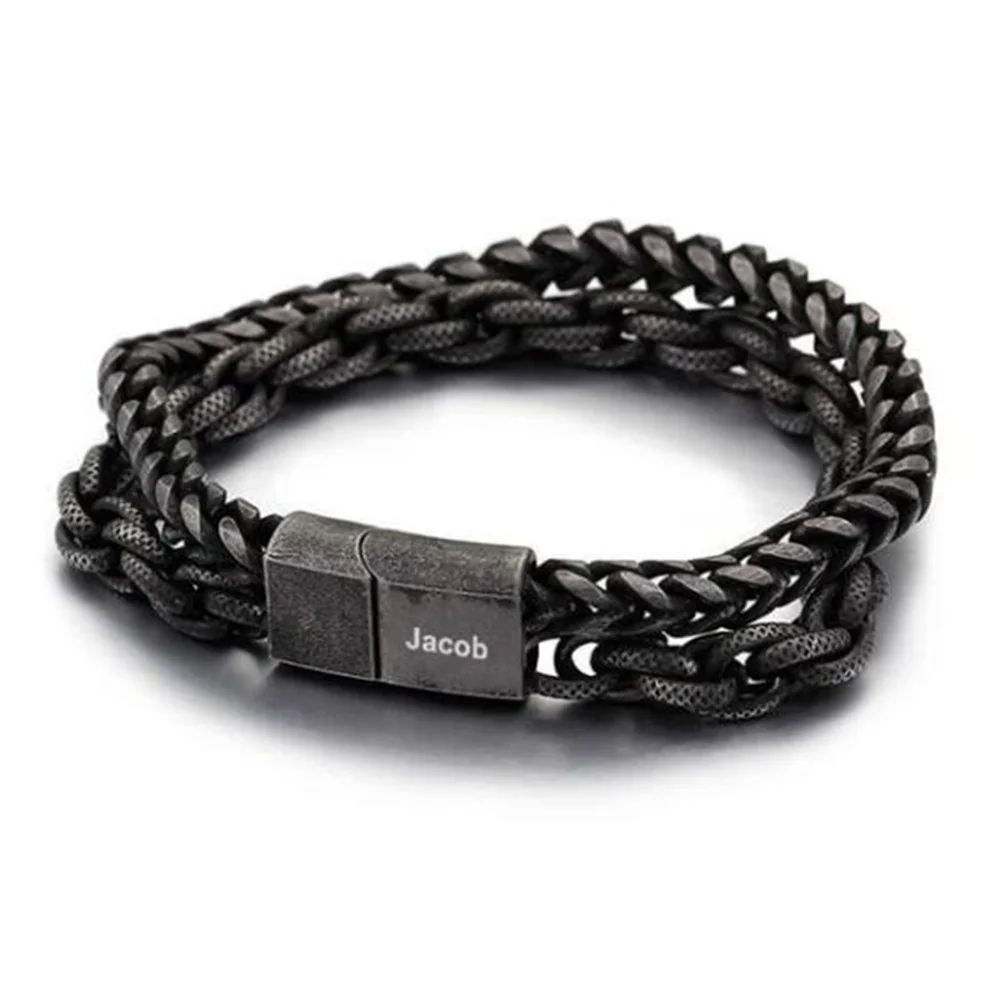
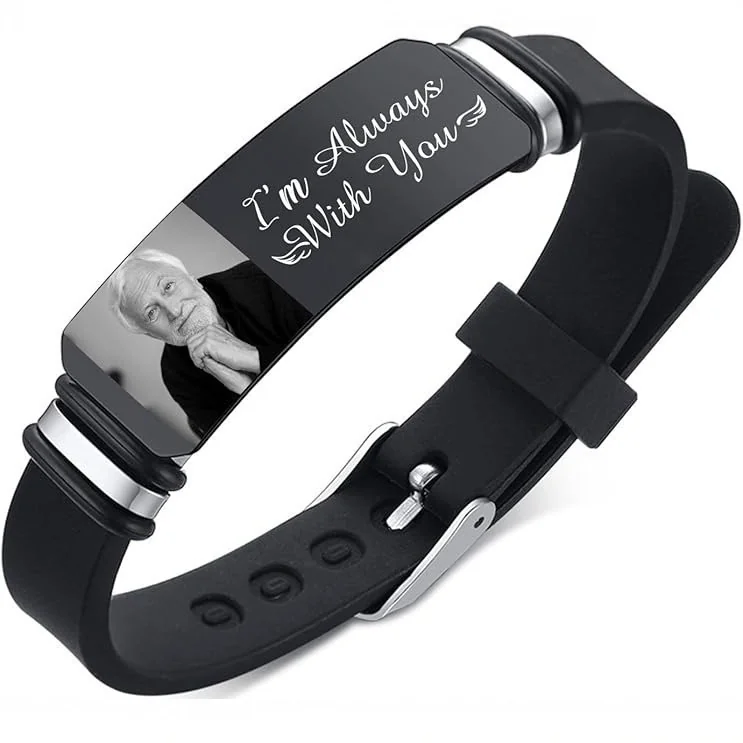
Match the gallery example to the selected written option. A photograph can show an arrangement that is different from the base configuration or another color choice.
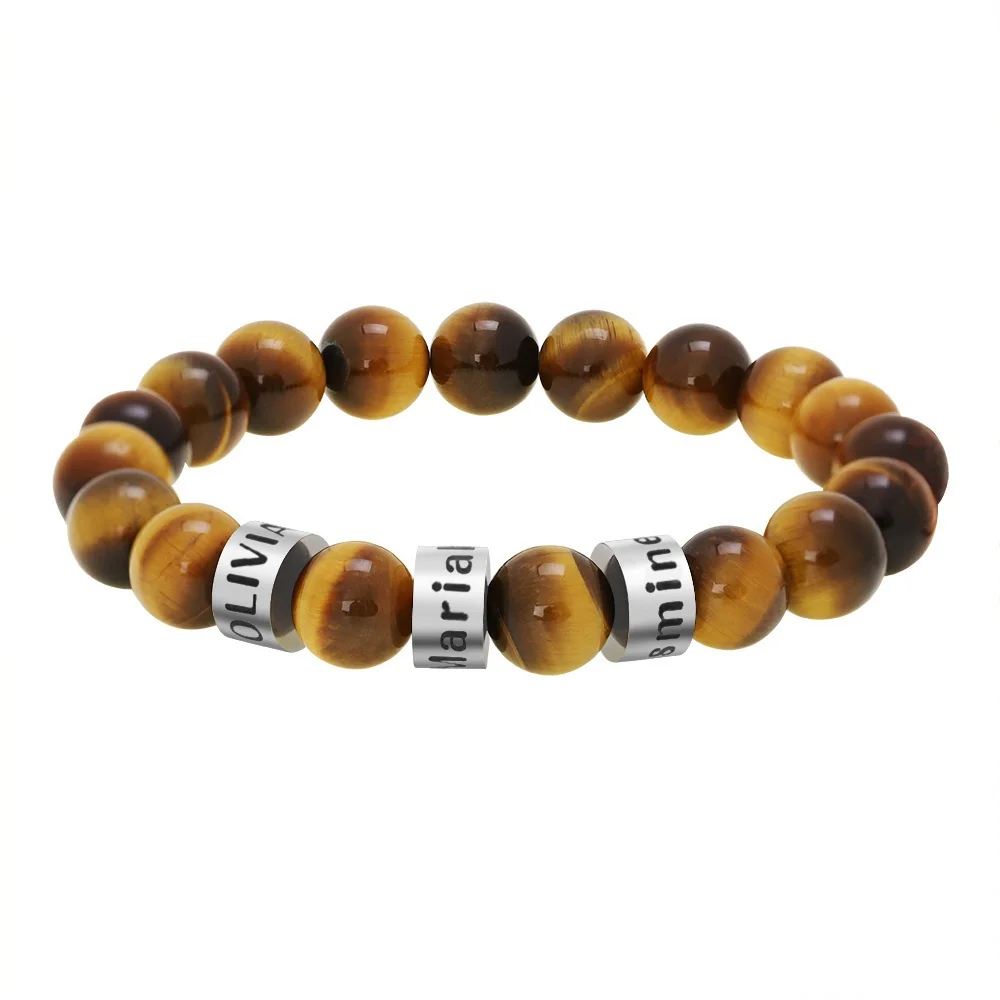
Make a matching record
Save the product ID, option label, gallery image, and the specific feature you want. Ask whether that option includes the pictured number of elements and whether every visible inscription region is offered.
If the image shows three names and the option lists one, keep the mismatch visible. Do not assume the additional parts are free or included because they are photographed together.
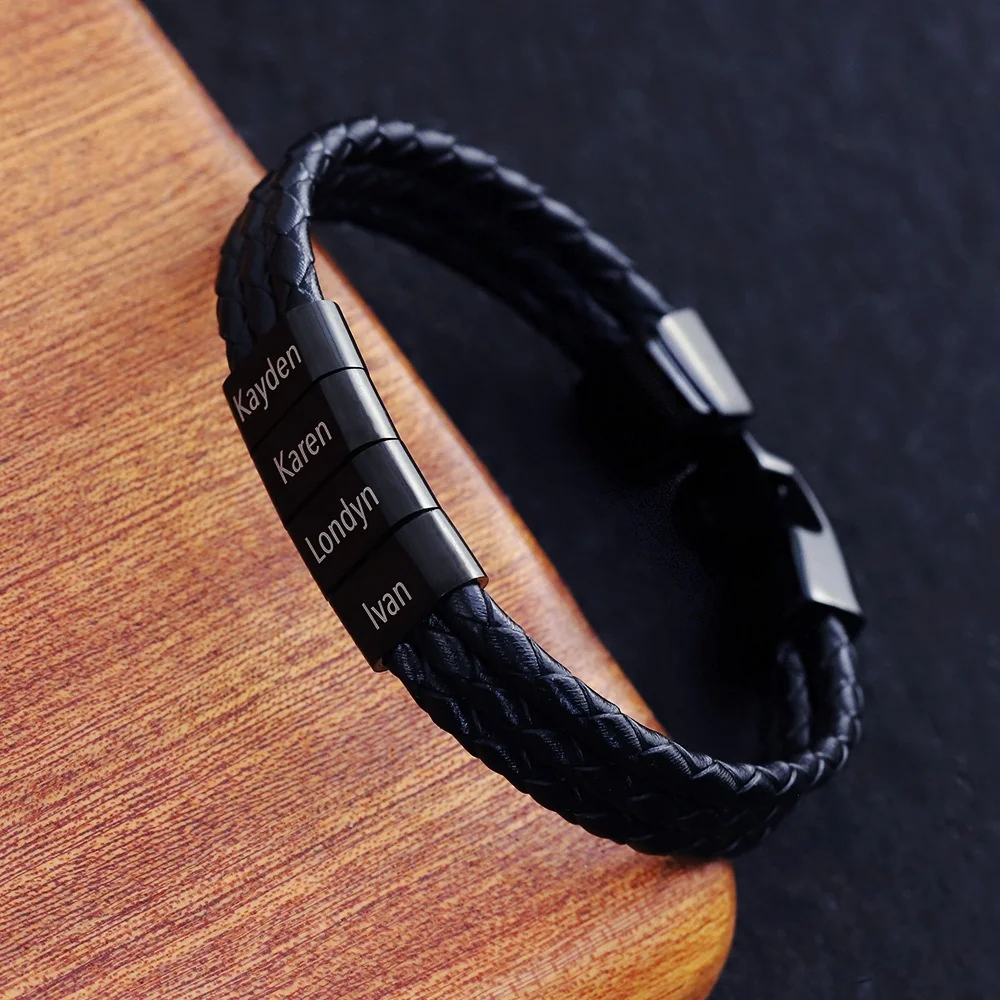
Resolve the mismatch before a proof
For The Name Bead Bracelet or The Family Bracelet, request a configuration-specific answer. A generic “yes, customizable” does not identify included parts, offered colors, or regions.
Once the option is clear, write the name list and layout against that configuration. Keep any alternate gallery example as a visual reference, not an order specification. This avoids asking the production proof to solve an inclusion question that should already be settled.
Choose one gallery feature to trace
Identify the exact feature you want from the image: the number of named elements, their color, the supporting band, or a particular placement. Record it in words. “Four separate names on dark elements” is a different request from “the same overall appearance.” This prevents an attractive image from silently becoming a complete specification.
Save the image reference with the product identifier and selected written option. If several images show different arrangements, label the one you are discussing rather than sending a collection and asking the maker to infer the preferred configuration. Keep the other images as alternatives with their role stated clearly.
Compare the gallery, selector, and final specification
Use three columns for the information sources. The gallery column describes what is visible. The selector column records the exact option wording. The specification column records an applicable answer about the intended configuration. Do not treat these as interchangeable merely because they appear on the same page.
| Feature | Gallery observation | Written answer needed |
|---|---|---|
| Name-element count | The visible number in the selected image | Included count for the intended option |
| Text regions | The areas bearing sample words | Approved regions offered for your text |
| Appearance | The visible colors and outline | Exact selected option and correspondence |
| Supporting parts | The visible band and closure | What the configuration includes |
| Additional element | A pictured or labeled extra part | Whether it belongs to initial assembly or another service |
The last question is important when an option refers to an extra part. Do not interpret it as proof of later expandability or a separate component supplied to the buyer. Its meaning must be established for the intended configuration.
Name the mismatch instead of resolving it yourself
Write a sentence such as “The reference image shows four name elements; the selected option does not state the count.” Attach that sentence to the relevant image and option. This gives the seller a specific discrepancy to resolve without assuming which source is correct.
If the answer changes the option, save the new label and recheck its other details. Confirm that the band, element appearance, and intended personalization still match the plan. Correcting the count alone should not conceal another configuration change. Keep the old option marked as an earlier alternative rather than mixing its attributes into the new brief.
A fictional gallery-to-option exercise
In this fictional editorial example, Devon likes a photograph with several name elements and wants three names. Devon records the intended names separately and checks the selected option's wording. The option identifies one element but does not establish the requested three-element assembly. Devon marks inclusion unresolved before preparing a final layout.
Suppose the reply says that the photographed arrangement is a different initial configuration. Devon can request that configuration's specification or choose another supported plan. The pictured parts are not assumed to be free additions. If the reply merely says customizable, Devon follows up about the included count and regions.
Once a particular configuration is confirmed, Devon links the three-name draft to it. The proof, if available through an approved process, can then check the actual names and arrangement rather than being used to guess what the configuration contains. The example establishes no current order workflow.
Keep sample inscriptions out of the active text
A gallery name is an example, not your default personalization. Save your own strings in a clearly labeled record, with their intended order. If a mockup still displays sample text, mark it as a reference until the actual text is shown or the relevant briefing process is confirmed.
Do not copy the count from a different design to solve a gap in this one. Similar-looking elements on two bracelets can belong to different option structures. A configuration answer must identify the exact product and version.
Produce one configuration statement
The completed matching record should identify the product, option, included components, intended text regions, and the gallery image used as a visual reference. It should also list any feature that remains unconfirmed. Another reviewer should be able to tell which facts describe the selected version and which details are merely visible in an alternative photograph. That statement is the bridge from an appealing image to a usable design brief.