Count the exact text you intend to submit, including spaces and punctuation in your planning total. Then ask whether the manufacturer uses the same counting rule. A website field can validate input without establishing a production allowance.
Count a final string, not a rough idea
| Original example | Planning count | What contributes to it |
|---|---|---|
| Ada & Eli | 9 | Six letters, two spaces, one ampersand |
| Home, always. | 13 | Ten letters, one space, comma, period |
“Ada&Eli” is seven characters, but removing the spaces changes its appearance. “Home always” is eleven characters and changes the punctuation. These are different drafts, not interchangeable ways of reporting one string.
Resolve three counting questions
Ask whether spaces count, whether punctuation counts, and whether the limit applies per region or to the entire design. For accented characters or non-Latin text, also request a proof of the actual lettering; a raw character total cannot confirm font support.
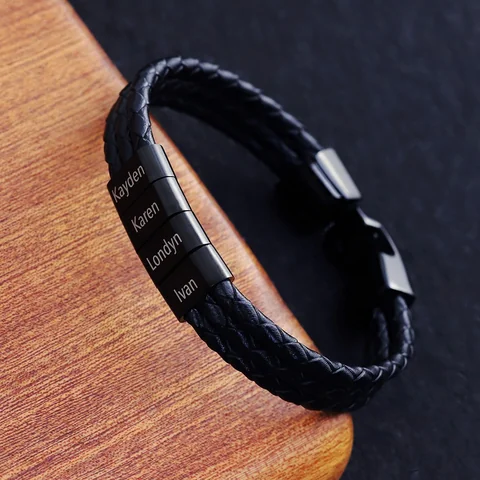
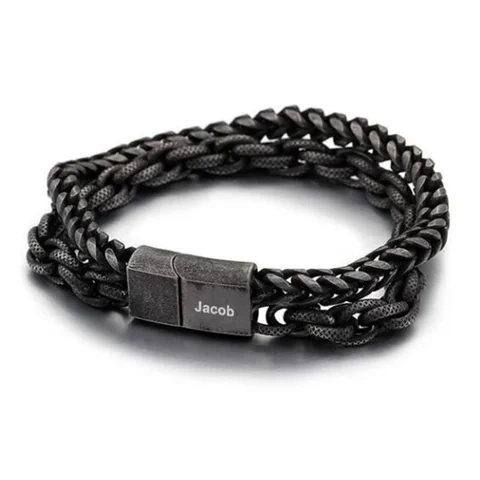
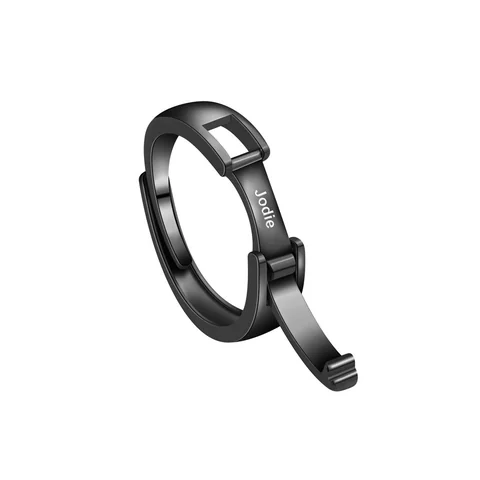
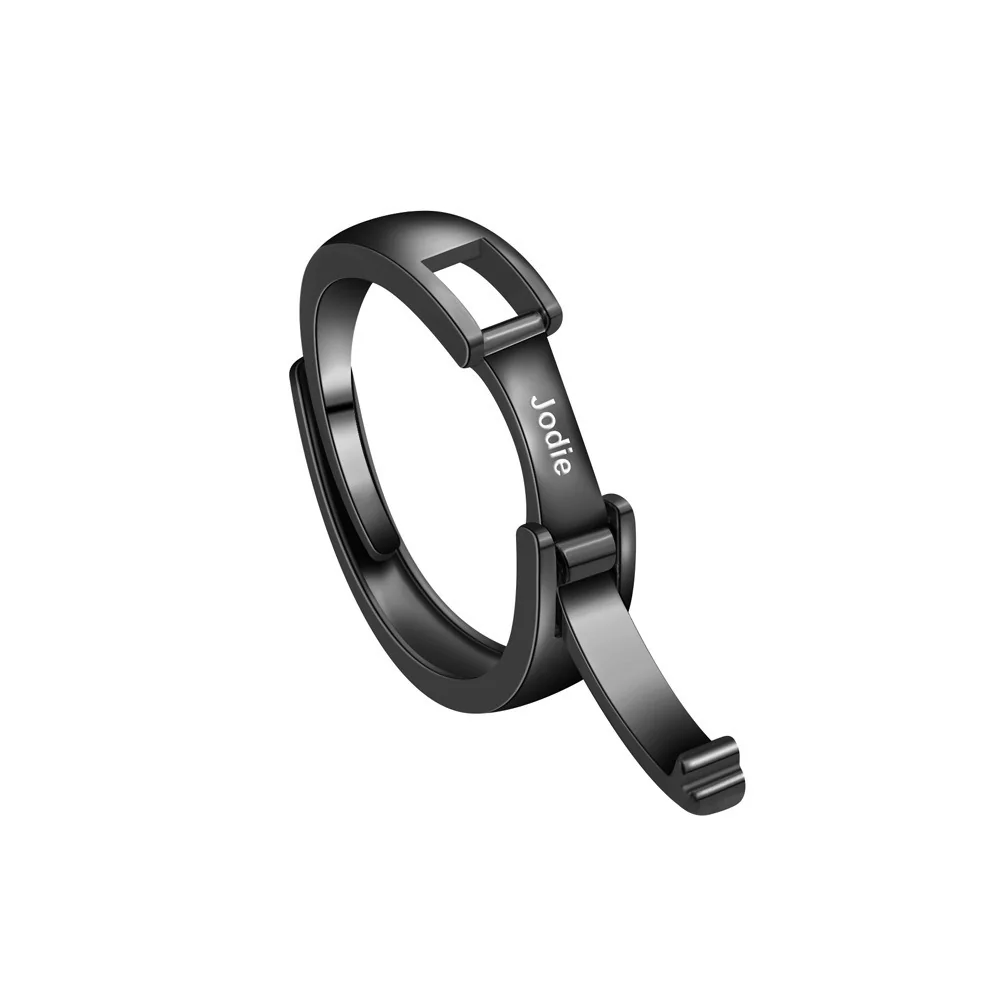
The Double Chain and Name Ring have different region references. The Family Bracelet adds the question of limits for each separate element. A single total is insufficient when text is distributed across parts.
Keep a plain-text copy beside the approved layout. After pasting the text into any field, compare it again for extra spaces, changed quotation marks, and omitted punctuation. The submitted string should match the version you intended to approve.
Keep character counting separate from visual fit
A planning total tells you how many characters are in a particular string under your stated rule. It does not tell you how wide that string will be in the selected typeface or whether the maker supports every mark. Two strings with the same total can still require different layout treatment. Ask for both a confirmed allowance and a proof of the actual text.
Begin with a plain-text master and count the version that includes the intended spaces. A draft without spaces is not the same inscription when the spaces carry a word boundary. Keep the punctuation that gives the sentence its intended rhythm until you deliberately decide to revise it.
Make a counting sheet another person can check
Use separate columns for letters, spaces, punctuation, and other requested marks. For an original example, “We go on” contains six letters and two spaces, giving a planning total of eight. “We go on.” adds a period and has a planning total of nine. The two versions are both short, but the period is a visible editorial choice.
For “Lee + Jo,” the letters total five, the spaces total two, and the plus sign adds one, giving eight under this planning rule. The plus sign still needs production support. A correct total does not approve a special mark or explain where it will be placed.
Ask the maker whether its stated limit includes spaces and punctuation. If its rule differs from yours, preserve both totals with their definitions. Do not replace the saved string with an altered one simply to make the two counters agree. The exact requested text is the anchor for the discussion.
Count each region when the text is divided
Suppose a fictional plan places “Lee” in one region and “Jo” in another. The combined letter count is five, but the region requests are three letters and two letters. A separate-name design needs the allowance for each region and the offered number of regions. An overall website limit can leave both of those questions unanswered.
Do not distribute one phrase across several parts unless that division is wanted and supported. Splitting “We go on” into isolated words changes the reading arrangement even though the letter total stays the same. Draw the sequence on paper and request a proof of the whole arrangement.
If a date or symbol occupies another region, keep it on a separate line of the brief. Identify whether the maker treats it as text or as a distinct option. A photograph with several kinds of decoration does not supply one universal character budget for the bracelet.
Check what happened after copying
Compare the submitted text with the master from beginning to end. Look for duplicated spaces, omitted separators, and punctuation that appears different. If your phone or form displays a changed mark, ask whether the maker receives that exact character and can reproduce it.
Line breaks deserve a specific question. Ask whether the break is a layout instruction, a permitted character, or something the field ignores. Do not assume that pressing Enter creates a second engraving line. A screen box can show a line break without confirming a production arrangement.
For accented letters or another writing system, count the text only as a planning aid and request the exact character forms. A total cannot establish correct reading direction or a supported font. If the system rejects the name, preserve the name master and resolve support before agreeing to a substitute.
Submit one version with its counting assumptions
A useful request includes the exact text, the proposed region, and a sentence explaining that your planning total includes spaces and punctuation. Ask the maker to confirm its own rule and the finished-scale layout. This creates a reviewable question instead of a claim that the text must fit because a counter accepted it.
When the wording changes, update the count and the proof request together. Keep discarded drafts labeled as alternatives so an earlier short version is not mistaken for the selected inscription. The result should be a clear string and a clear counting method, with manufacturing approval still treated as a separate answer.