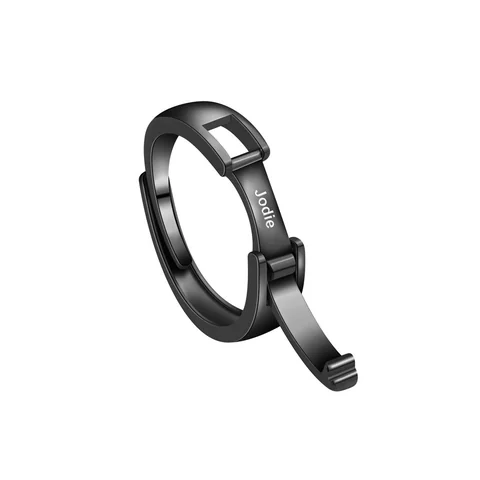
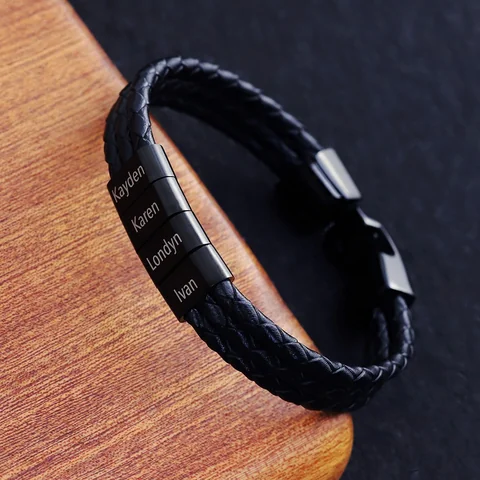
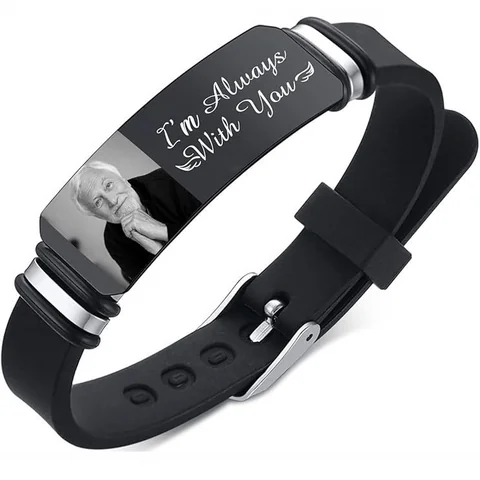
A proof should identify the design it belongs to. Without the product, option, and text region, you may be approving an attractive layout whose scope remains unclear.
Request a proof with five labels
Ask for the product ID, selected option, exact text string, named region, and intended scale. If text appears on more than one area, label each separately and specify the reading direction.
For an image, include the source file or crop version used. For separate names, include the ordered list. The proof should be traceable to the brief rather than to a conversation containing several alternatives.
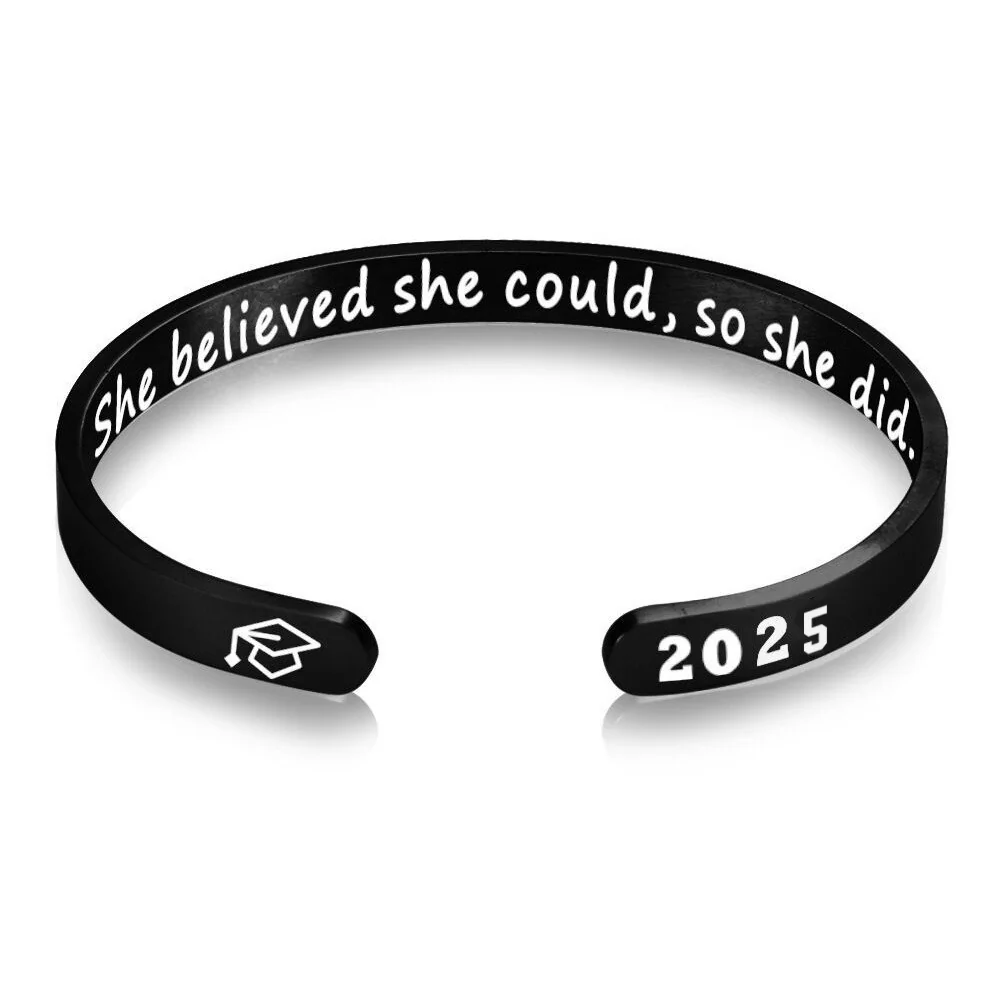
Define what approval covers
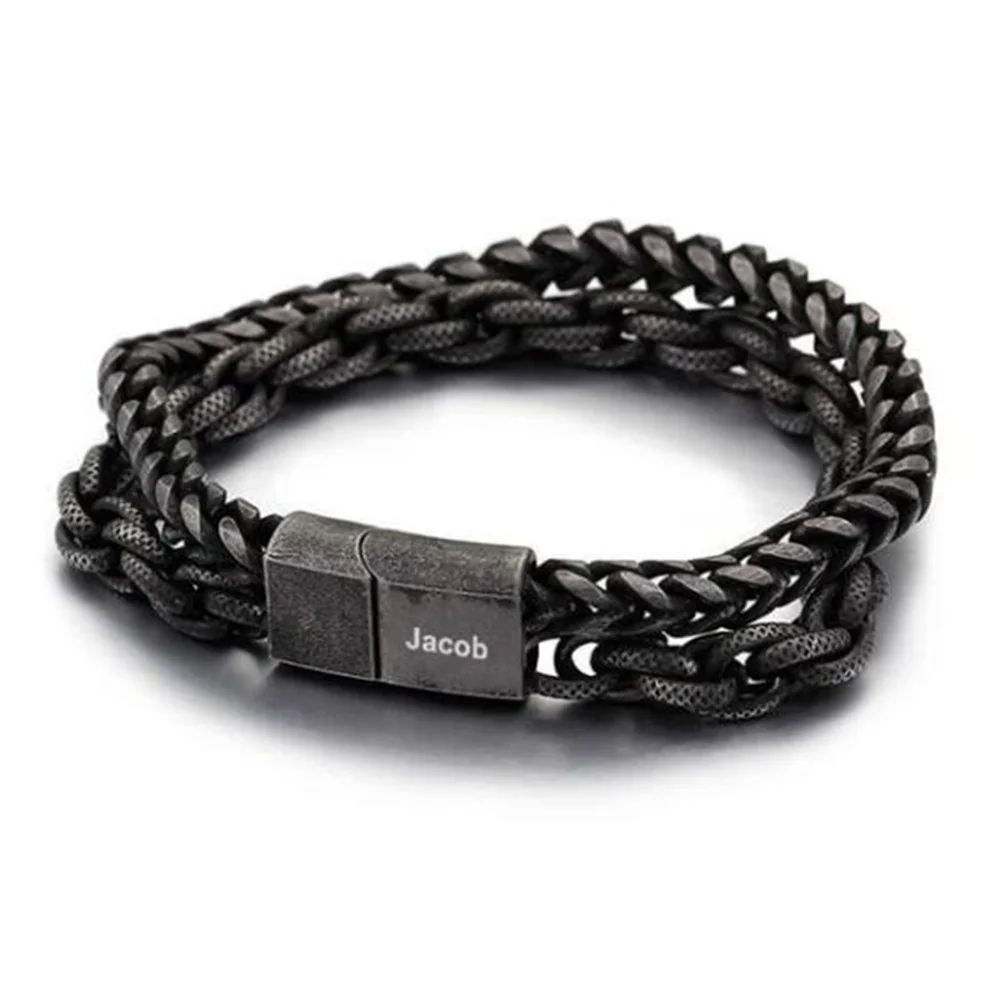
For The Double Chain or The Open Cuff, ask which elements become fixed after approval and which facts are still unresolved. A layout decision does not confirm a finished surface test or delivery date.
If a proof omits an essential label, request a corrected version before approving it. Save the version and the scope of your decision together. Current Energvia previews are references and should not be called production proofs without that confirmation.
Link the proof to one active brief
Give the proposed design a version identifier before requesting any production review. The active brief should contain the exact text, the selected option, the intended region, and any ordered entries. Mark other alternatives as superseded or still under discussion. A proof cannot be checked reliably if several equally current drafts describe different results.
Copy the exact string into the proof request rather than referring to a previous message vaguely. If the design includes names on separate elements, specify each entry and its order. If it includes several surfaces, name each proposed surface independently. The maker should not need to infer which part of the conversation controls the layout.
Identify process and region separately
A labeled region answers where content is intended to appear. A process description answers how that content is to be represented. Both are needed for a relevant production discussion. A drawn name on a clasp does not establish the marking method, just as a process label does not identify the usable area.
Ask which dimensions describe the available region rather than the outside component. If the proof shows an outline without a scale or measurement explanation, retain that uncertainty. Do not estimate the allowance by comparing the lettering with an enlarged photograph. Any stated limits should be linked to the exact configuration they cover.
Use two review passes
In the content pass, compare every character and ordered entry with the active brief. Read punctuation and capitalization deliberately. In the layout pass, check the named regions, orientation, and relationship to the component. This separates a correct string from a correct placement; one can be right while the other remains wrong.
| Proof item | Review action |
|---|---|
| Product and option | Compare directly with the active brief |
| Exact string | Check each character and intended spacing |
| Ordered entries | Check sequence and assigned element |
| Region | Verify that each requested area is identified |
| Orientation | Confirm the intended reading direction |
| Scale and process | Identify the supplied explanation or unresolved point |
Use the checklist only for information the proof actually supplies. It should reveal missing labels, not manufacture an answer from a pleasing appearance.
A fictional mislabeled-proof example
In this fictional editorial example, Lee requests one short phrase on a specified component. The first returned image shows the right phrase but lacks an option identifier. Lee records that the wording matches and requests a version labeled with the intended option and region before approving the production scope.
A later version identifies a different option from the brief. Lee asks whether that substitution was intended and whether the usable region and process still apply. Lee does not approve the change because the text remains correct. The option question is settled separately, and the final record names the active version.
If the proof only demonstrates layout, Lee labels the decision as layout approval. The example does not establish that an Energvia reference preview is a factory proof or that any production process is currently available.
Handle corrections as version changes
Describe the correction precisely: the affected string, region, or orientation. Keep a copy of the previous proof and mark it superseded once the revised version becomes active. If a corrected image introduces another change, review that affected detail rather than checking only the original error.
Avoid a general approval such as looks good while a decision-changing question remains open. You can confirm the exact wording and still state that process or region information is unresolved. A qualified approval should not be read as confirmation of an entire product, delivery date, or surface-performance claim.
Produce an approval note another person can understand
The note can state the proof identifier, approved fields, unresolved fields, and any required revision. Attach the active brief so the decision is traceable. If no production-proof service is confirmed, keep the same preparation package ready without calling the gallery image or interactive preview an approved proof.
A useful proof record fixes the intended content and supported arrangement for a particular version. It does not demonstrate the finished item's durability, approve unrelated variants, or replace a later comparison with what was actually made. Those limits should remain visible when the approval is saved.