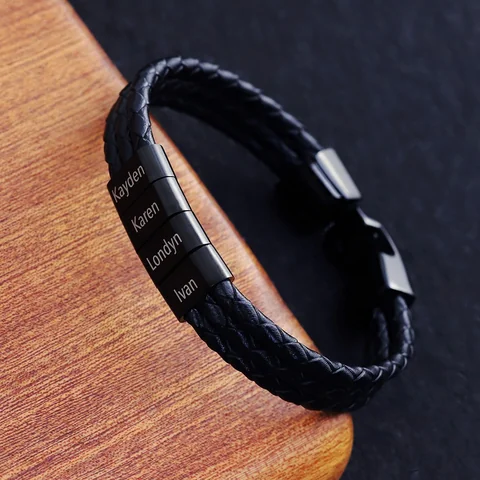
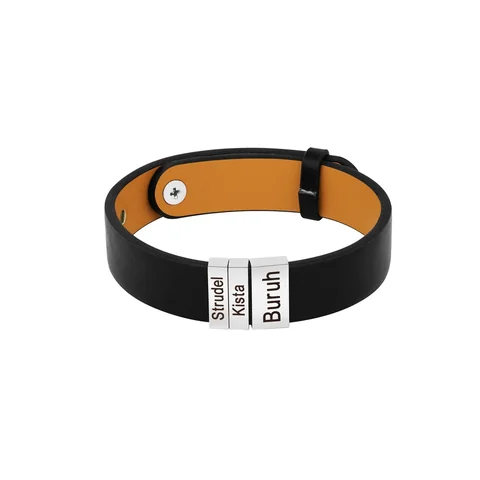
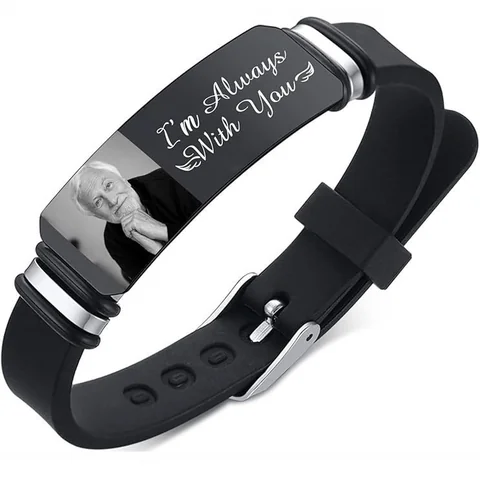
Check the proof against the brief, not against your memory of the message. Read it once for spelling and again for placement; trying to do both in a glance makes small differences easy to miss.
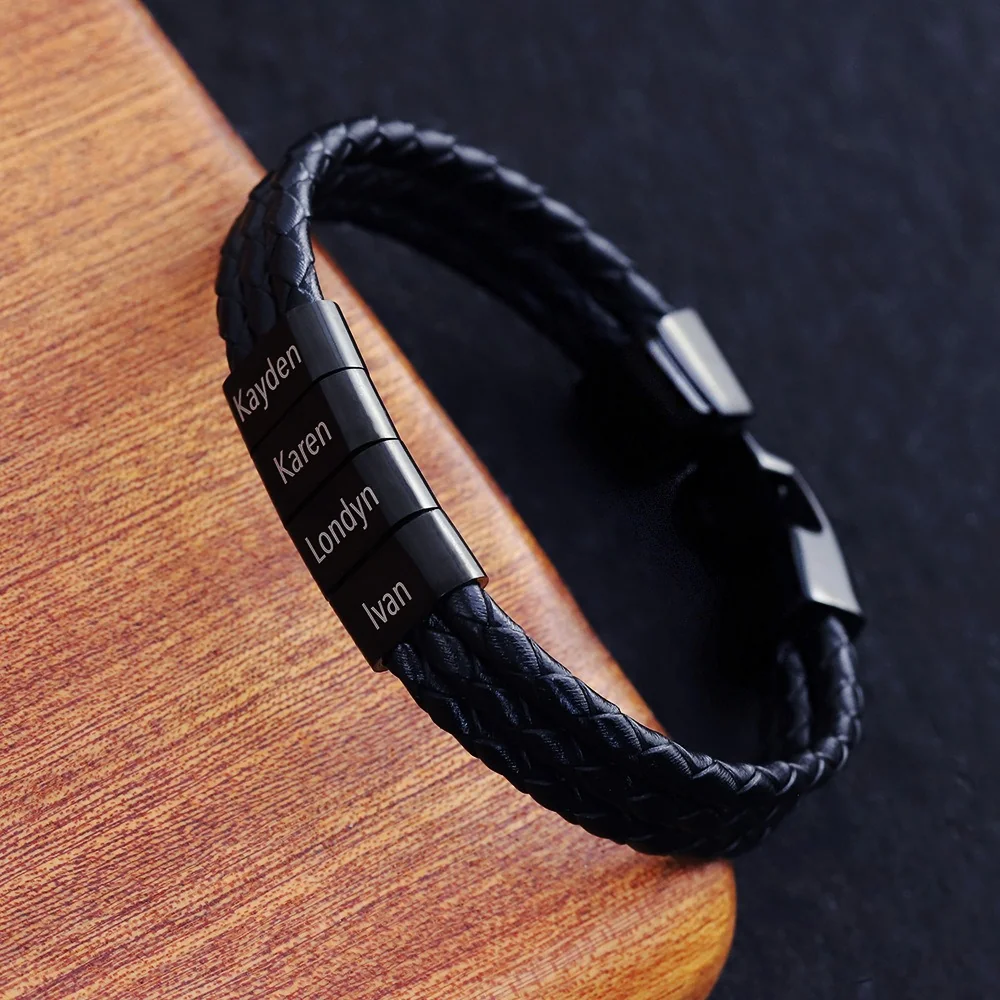
Review six items in sequence
- Match the product ID and selected option.
- Compare every name letter by letter with the approved name list.
- Check spaces, punctuation, and capitalization against the exact string.
- Confirm which region carries each entry.
- Identify the start point and reading direction.
- Review the shown scale and ask what it represents.
For two similar names, read each separately. For a date, say the month aloud rather than merely recognizing the numeric pattern.
Save the version that was actually approved
Keep the proof image or document, the exact text, the selected option, and the date together. Mark later revisions as new versions rather than replacing a file silently.
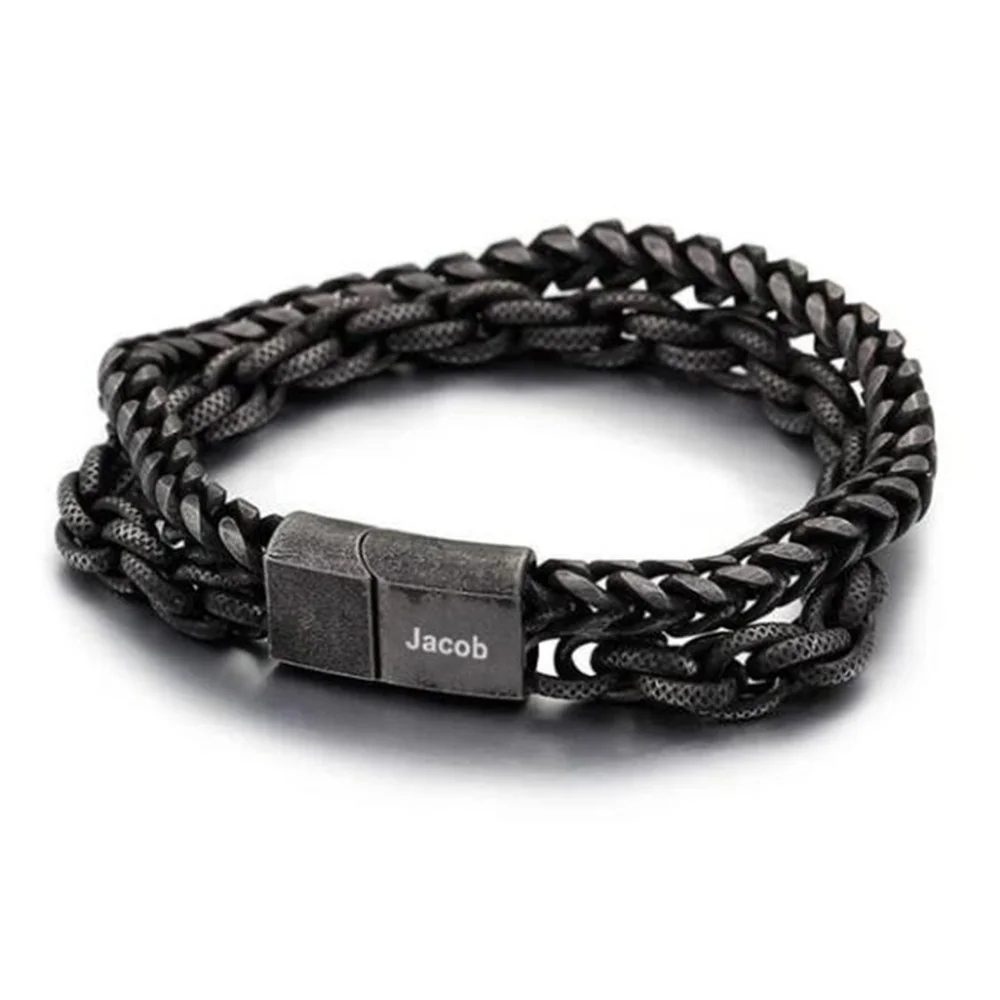
The current The Family Bracelet and The Double Chain pages are design references; a visual preview is not a confirmed manufacturing proof. If a proof omits the area or orientation you requested, ask for a corrected version. Approval should describe a complete, identifiable brief, not “something like the image.”
Prepare a reference packet before reviewing
Open the approved wording note beside the proof. Include the full product name, the option under discussion, and the list of requested regions. If you have several candidates, identify which one the proof is meant to show. A correct inscription for yesterday's shortlist is still the wrong proof for today's selected design.
Separate confirmed choices from open questions in the packet. “Name: Rafael” can be confirmed while “second region availability” remains unresolved. Do not let a polished illustration make the unresolved field disappear. The reviewer should be able to see whether the image represents an agreed construction or a proposed arrangement that still needs a capability answer.
For names supplied by several family members, designate one approved spelling list. Messages scattered across a group conversation can contain nicknames, earlier drafts, and autocorrect errors. Copy the agreed version into a dedicated note and have the relevant person check it. That note becomes the comparison source; the proof should not become its own evidence of correct spelling.
Check language without judging appearance
Cover or ignore decorative elements during the first pass. Read each entry aloud and compare one character at a time. Check an apostrophe separately from the neighboring letters. Check a hyphen separately from a line break. For a date, compare the intended day, month, and year with the chosen format instead of recognizing the overall shape of a familiar number.
Inspect repeated and similar entries individually. In a fictional family list, “Mara” and “Maria” differ by one letter. Seeing both familiar names together can make the eye skip that difference. Place a check beside each entry in your source list only after you have matched it with its own proof region. Do not use a single check for the whole arrangement.
An unfamiliar character requires a specific comparison. If the original name includes an accent, determine whether the proof preserves it, substitutes another mark, or omits it. If its rendering is unclear, leave the entry unapproved. An approximation may be accepted by the wearer, but it should be a recorded choice rather than an unnoticed correction by the designer.
Check placement using visible landmarks
Find the closure, first named element, or another landmark that the proof actually identifies. Record the start point relative to that landmark. Then follow the sequence across the shown design. Words such as left and right become unreliable when a photograph is rotated, so attach them to an identified view rather than using them alone.
If an inscription is intended for an inside surface, the proof needs to identify that surface. A front-facing mockup with the message floating nearby does not establish inside placement. If several surfaces are under consideration, request separate views or an explicit region map. You should not have to infer which area the maker plans to use from the position of a text box.
Check whether the scale explanation is present and usable. Record what the proof says about size rather than claiming that a screen image establishes finished legibility. Ask whether the shown orientation is wearer-facing or outward-facing when that distinction matters to the brief. It is a design decision that should be stated, not guessed after approval.
Resolve revisions with a precise response
In a hypothetical review, a proof has the correct three names but starts the sequence beside the opposite side of the clasp. The response can say: “Spelling accepted for all three entries. Sequence not accepted. Please identify the first element beside the clasp in this view and show the numbered order from the attached list.” This preserves the part already checked while naming the unresolved part.
When the corrected version arrives, compare the whole proof again. Fixing the order can change text spacing or introduce a typing error. Give the revision a new filename and retain the earlier version. An approval record should identify one particular file and the exact choices accepted in it. If a later change is requested, mark that change as pending until a new complete version has been reviewed.