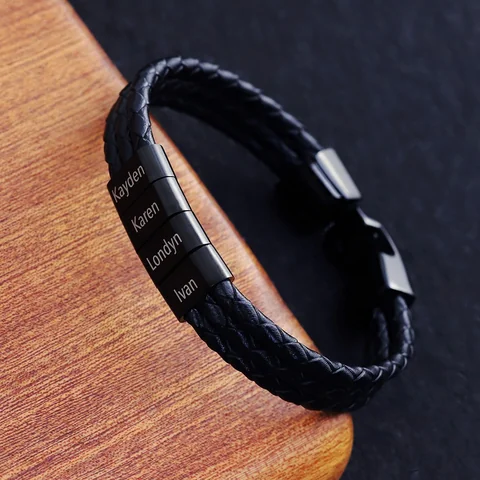
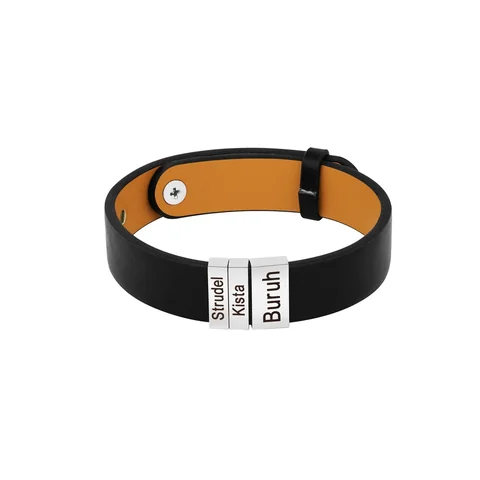
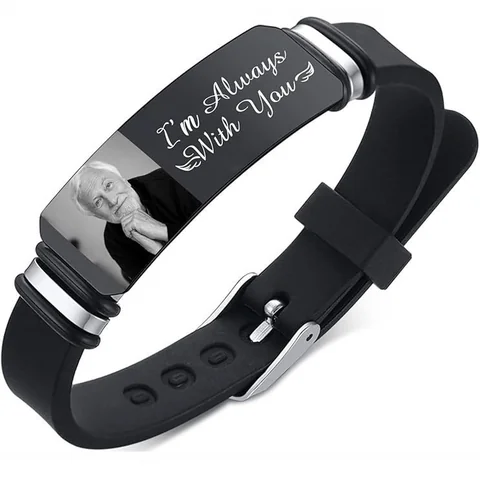
Save enough information to reconstruct the design you meant. A screenshot can show a layout while omitting the selected option, the exact text, or the questions still open.
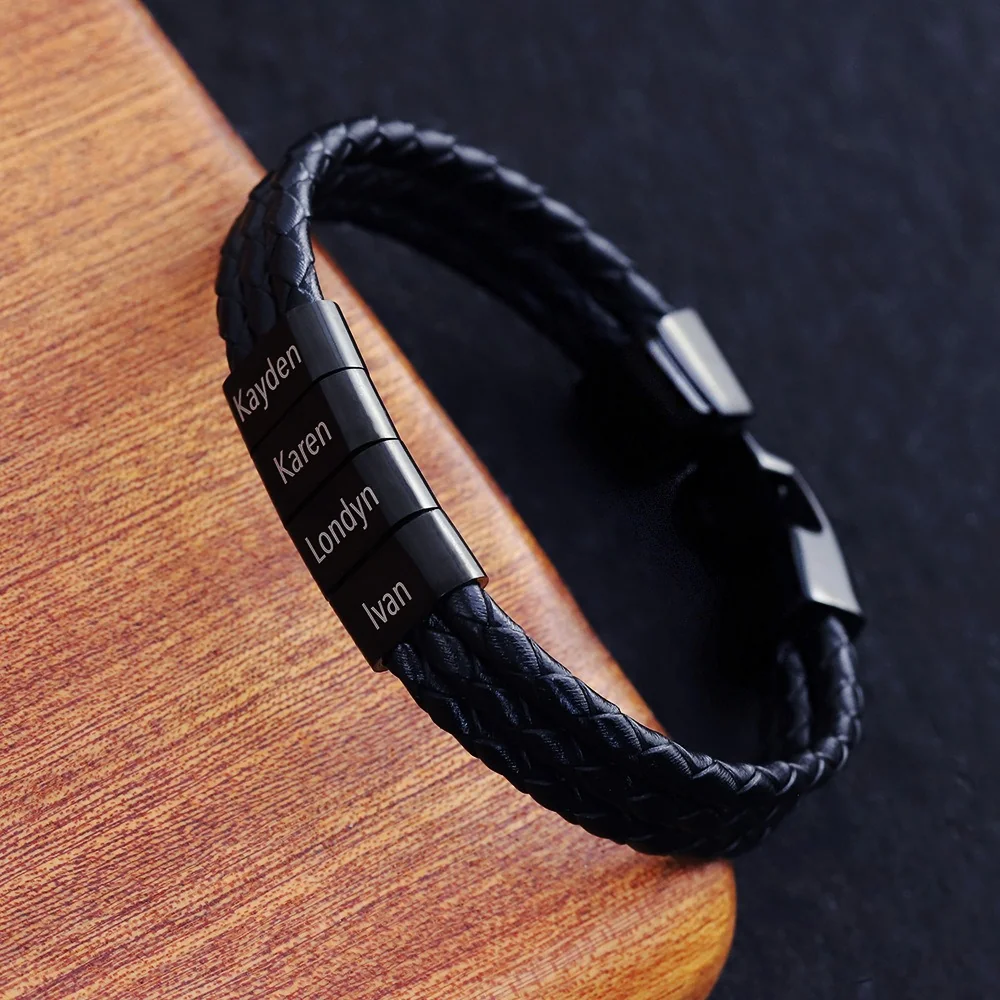
Keep a five-item record
Store the product URL and ID, selected option, exact text, preview image or file version, and unresolved manufacturing questions. If the text was entered in several fields, save each field separately in the intended reading order.
Label the status honestly: “layout reference” or “text draft,” rather than “order confirmed.” The current Energvia preview does not establish production approval or a working purchase.
Recheck before returning to the design
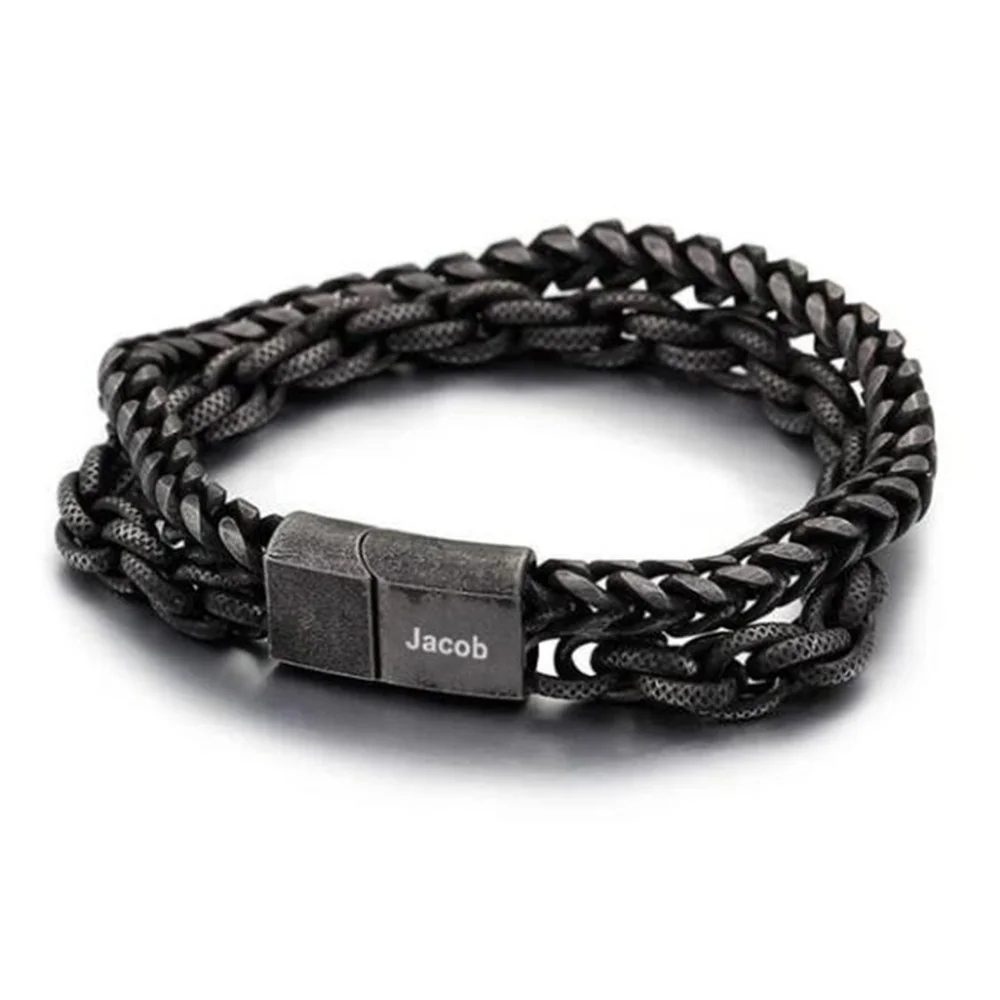
When reopening The Family Bracelet or The Double Chain, compare the selected option with your saved record. A changed color, element count, or region can require another proof.
If the saved image and typed text disagree, resolve the difference before submission. Preserve the earlier version in the record so the change is visible. Saving a preview is useful preparation; it does not prove a file has been received by a manufacturer.
Save a recoverable record rather than only a picture
A screenshot is useful for visual arrangement, but pair it with plain text that identifies the product, option, and exact strings. Keep the screenshot filename in that record so another reader knows which image belongs to the brief. If the image omits the selected option, record the option separately rather than guessing later.
For several text fields, save each field with its intended region or reading order. A single combined line can lose which name belongs to which element. If the preview shows sample content or an unconfirmed region, record that distinction explicitly. The aim is to preserve your intention, not certify the preview.
Use a reconstruction sheet
| Saved item | Purpose |
|---|---|
| Product URL and identifier | Locates the design reference |
| Exact option label | Identifies the configuration you were exploring |
| Plain text fields | Preserves spelling, punctuation, and order |
| Preview file and date | Connects the visual arrangement to this version |
| Proposed regions | Identifies where the content is intended |
| Unresolved questions | Keeps manufacturing and fit gaps visible |
| Status | Labels the record as a draft or other confirmed stage |
This sheet can be completed even when the purchase process is unavailable. It should not contain an order number unless an actual accepted order exists, and it should not be labeled submitted merely because you entered text on a page.
Compare text and image before saving the final draft
Read the plain strings against the preview. Check names one by one, including spacing and punctuation. Then compare the element count, region, and orientation. If one view disagrees with the other, record the discrepancy and resolve which version reflects your intention.
Do not silently edit the text record to match an unexpected preview. The preview might be an incomplete representation or a different option. The decision should establish the intended wording first and then identify what the relevant layout can actually show.
A fictional reconstruction exercise
In this fictional editorial example, Casey saves a multi-name preview but later realizes that the screenshot does not show the option label. Casey's accompanying note contains the product identifier, exact selected option, ordered names, and the image filename. The record can therefore reconstruct the intended draft without relying on the screenshot alone.
On reopening the reference, Casey notices that a displayed arrangement differs from the saved element count. Casey compares the written option and retains the old record as an earlier version. The difference is treated as a question about the current configuration, not proof that the previous draft has been kept by a seller.
If Casey decides to use a new layout, the updated text and preview receive a new version. The earlier version is marked superseded. This illustrates a local recordkeeping method and does not promise website storage, browser persistence, or a manufacturer having received a file.
Keep reference state separate from transaction state
A saved design record describes what you explored. An accepted brief, production approval, and an accepted order would each require their own evidence. If an ordering process later exists, compare its item summary with your record and ask how the personalization is linked to that item.
Do not assume that a basket, if one is eventually available, preserves every text field or visual arrangement. Check the actual summary and confirmation process for that service. For current Energvia references, the record remains preparation rather than evidence of a completed transaction.
Keep a copy that you can read independently of the preview page. Reopening a local note should show the exact strings and selected option even if the page or its visual reference is unavailable later.
Organize the versions for later review
Use a stable design code and a version date. Put only the active brief in the current section, while retaining earlier alternatives with clear labels. Keep source photographs unchanged where relevant, and identify a crop version separately. This prevents a later review from selecting a visually attractive but outdated file.
Before returning to the design, recheck purchase state, option correspondence, and any unresolved manufacturing facts. The reference may look familiar while its applicable information remains different. A complete reconstruction sheet makes those checks concrete: it preserves the draft you meant and shows what still needs confirmation before it can become a supported production request.