Choose the image with the clearest version of the detail you want to keep. A favorite photograph may contain a wonderful setting but leave the important face too small for the intended jewelry area.
Name the detail that must survive
Write one sentence: “Keep both eyes visible,” “Keep the pet's marking,” or “Keep these two people together.” This gives a crop discussion a real priority.
Compare candidate photos for focus, shadows across that detail, and objects blocking it. Preserve the original files. Do not choose solely because a filtered version looks attractive on a large screen.
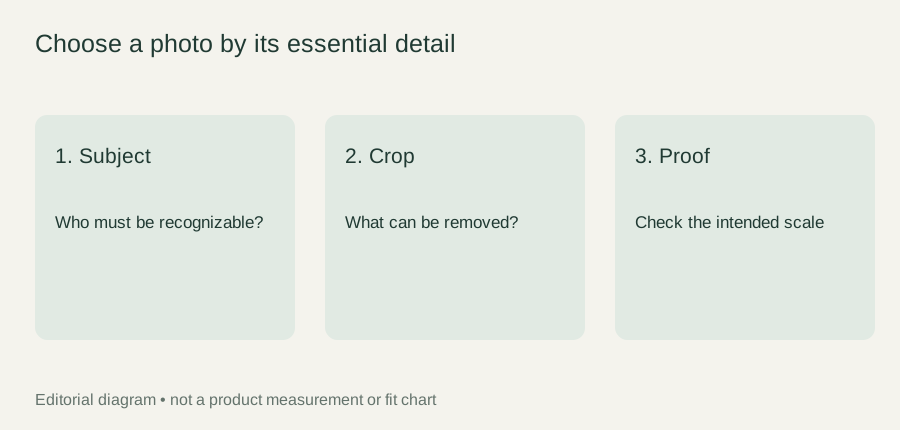
Review the crop before the production proof
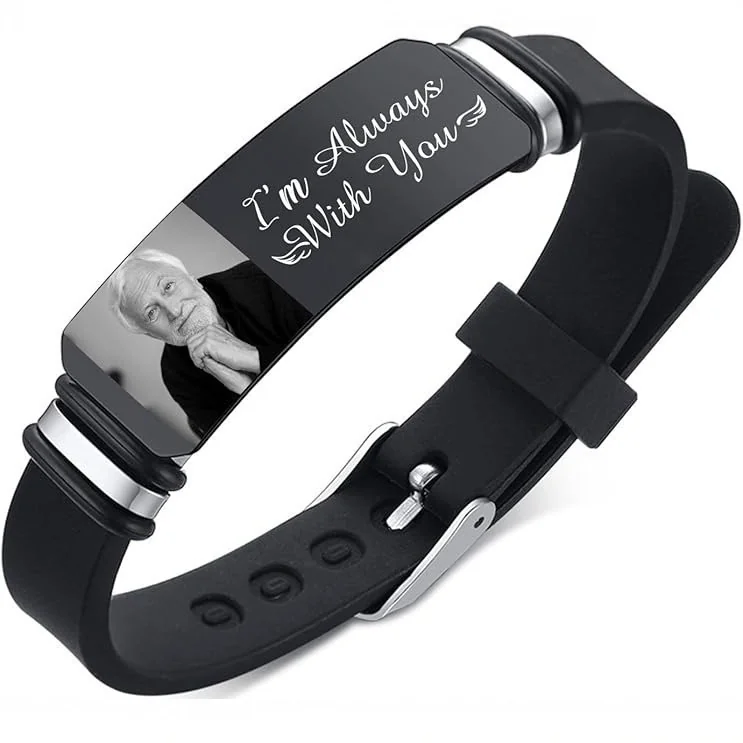
Ask for the confirmed image area and process for The Portrait Cuff. A crop showing who remains in the frame is an editorial decision; a production proof showing the intended representation is another step.
If keeping every background object makes the face too small, choose another photograph or decide which background detail can be omitted. There is no verified universal pixel threshold for this reference. Request actual specifications rather than inventing them from the panel's appearance.
Compare a small set of candidates
Choose a few photographs that already show the required subject clearly. Keep their original files and label them with simple candidate names. Compare the same feature in each: the eyes in a portrait, a pet's distinguishing marking, or the outline of an object. A strong emotional memory can justify keeping a photograph, but it does not automatically make that photograph the clearest source for a small representation.
Write the tradeoff beside each candidate. One may show the preferred expression but have an object crossing the face. Another may have a plain background but a less meaningful pose. A third may show the whole scene with the important subject very small. Recording these differences lets you choose deliberately rather than selecting the first image that looks attractive in a phone album.
Look for usable boundaries
Inspect the space immediately around the essential detail. Is there room to crop without cutting an ear, hairline, chin, or object that makes the image recognizable? If the source already clips the subject, a wider crop cannot restore the missing boundary. Consider another image instead of asking the maker to invent it.
Distinguish unwanted background from meaningful context. The empty wall beside a face might be removable; a hand holding a familiar object might be part of the reason for choosing the image. Tell the person preparing the layout which is which. “Keep the face and the cup; the wall is optional” gives a clearer instruction than “make it fit nicely.”
Review detail without manufacturing assumptions
Examine the original at a size where you can judge focus and obstruction, then view a proposed crop at a smaller display size as a planning check. This can reveal that a detail depends on a large screen to be noticed. It is not a simulation of engraving or printing, and it cannot establish how the finished surface will look.
Avoid interpreting your screen's brightness as a product guarantee. The preview helps you decide whether the source contains the detail you want. The manufacturing proof needs to address how that detail is represented by the offered process. Keep those two questions separate even when both are discussed using the same photograph.
A fictional image-selection exercise
In this fictional editorial example, Taylor wants to retain a parent's face and the familiar glasses they wear. Candidate A shows a family picnic, with the parent small near the edge. Candidate B is a closer portrait with the glasses fully visible. Candidate C has the favorite expression but glare covers one lens and part of an eye.
Taylor selects B for a feasibility discussion and keeps A for an accompanying card. The selection note says, “Preserve the whole glasses frame and both eyes; the background can be reduced.” It does not promise that a particular surface or process can reproduce those details. Candidate C remains available, but is not automatically selected just because it is the sentimental favorite.
If a later proof clips the glasses, Taylor can compare it with the explicit priority note and request a revision. If the confirmed area cannot support the required detail at all, the choice can return to another image or another way of expressing the memory. That decision should be made before treating the crop as a final production instruction.
Prepare the selection packet
Keep four items together: the selected original, the labeled crop if one exists, the priority sentence, and a short note explaining any optional background. Include a second candidate only if you want it evaluated as an alternative, and label that role clearly. Several unlabeled files can leave the maker guessing which one controls the request.
Before any submission, check the image source and intended use. Do not send a private photograph simply because the file is technically available. Confirm the submission workflow and share only the image needed for the agreed task. The current reference does not itself establish that a customer-photo production service is ready.
The practical result is a documented selection with a reason: what must remain, what may be removed, and what needs process confirmation. That is more useful than a generic instruction to use the highest-quality photo, because it describes the particular detail the finished representation would have to preserve.