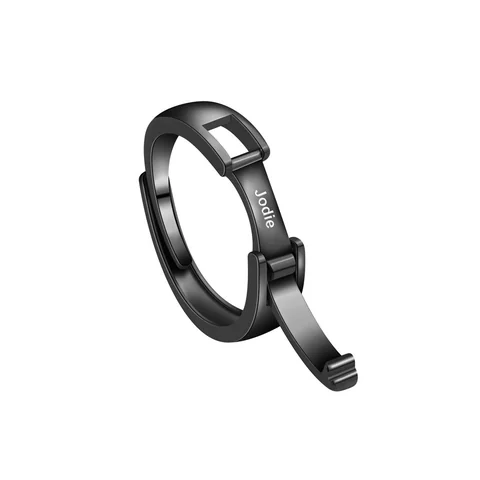
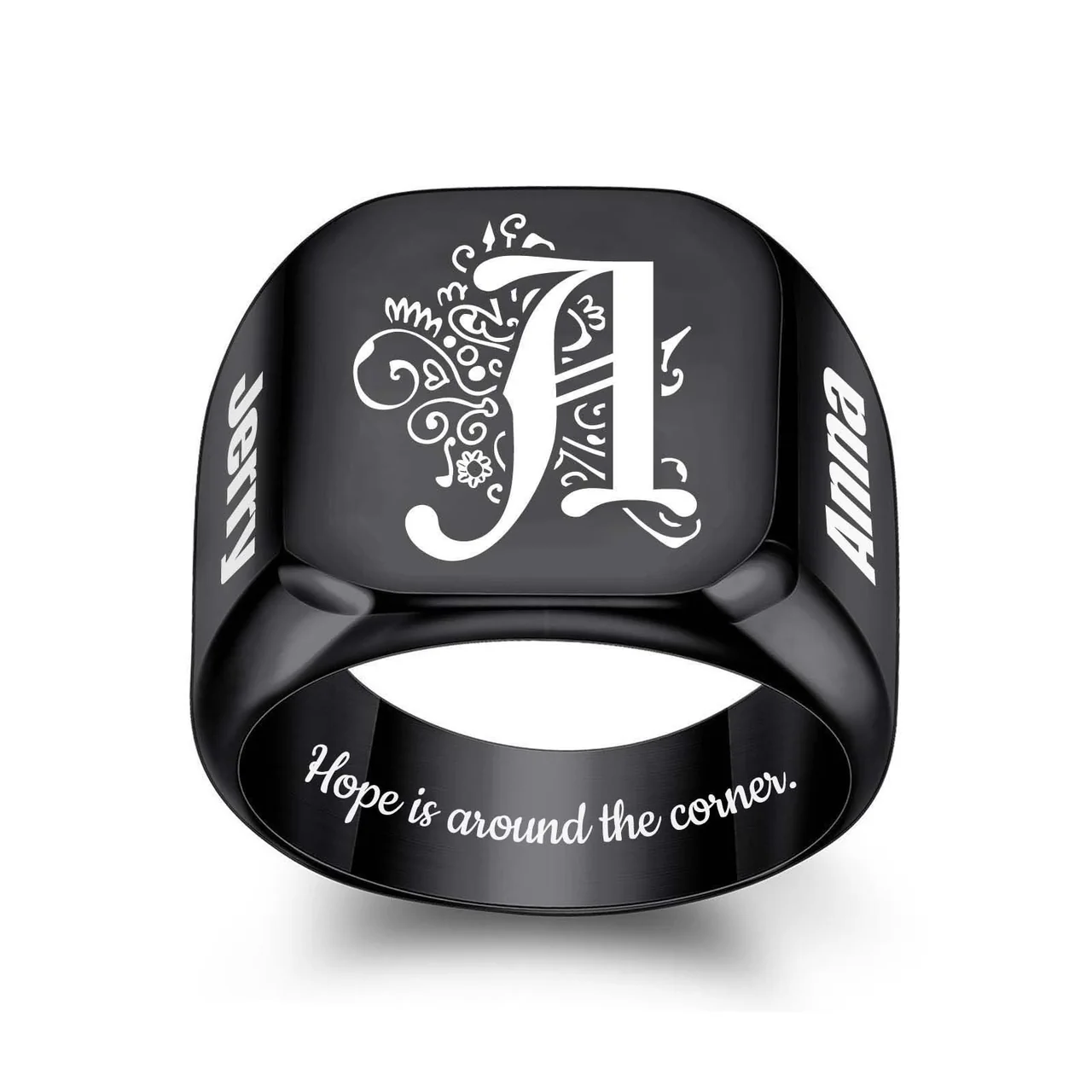
For a black engraved ring, check the finger opening before planning the inscription. Measure across the empty opening inside a ring that fits the intended finger. Keep the measurement in millimeters, and compare it with the size information for the exact design you are considering. The width of a signet face or the thickness of the band is a different measurement.
A familiar size number is not enough when the seller has not identified its sizing system. An inner-diameter value gives you something specific to check.
Measure the opening, not the outside edges
Choose a ring that fits the finger on which the new ring will be worn. Place it flat, align a millimeter ruler through the center of the opening, and read from one inside edge to the opposite inside edge. Do not include the metal on either side.
Repeat the reading with the ring turned. If the opening is irregular, or the second reading disagrees with the first, record the uncertainty. A jewelry professional can help obtain a more reliable measurement; a blurry photograph should not be used to settle a close size choice.
Your note might read: “Existing ring, inside opening approximately 19 mm, measured twice with a ruler.” That is a measurement record, not a declaration that every ring labeled with a particular number will fit.
A real example of product-specific size labels
The supplier listing for Energvia's Photo & Text Ring pairs its option labels with these inner diameters:
| Supplier's option label | Stated inner diameter |
|---|---|
| 7 | 17 mm |
| 8 | 18.2 mm |
| 9 | 19 mm |
| 10 | 19.8 mm |
| 11 | 20.8 mm |
| 12 | 21.3 mm |
| 13 | 22 mm |
| 14 | 23 mm |
These pairings appeared in the archived SKU data and were also visible on the source page checked on October 3, 2026. They are that supplier's labels for this design. They are not an Energvia-wide size chart or a verified US size conversion.
The table supports a specific question. If your existing ring measures about 19 mm inside, you can ask whether the supplied version corresponding to the listing's label 9 has a finished inner diameter of 19 mm. Do not copy that label to a different ring listing.
The face can carry a similar number
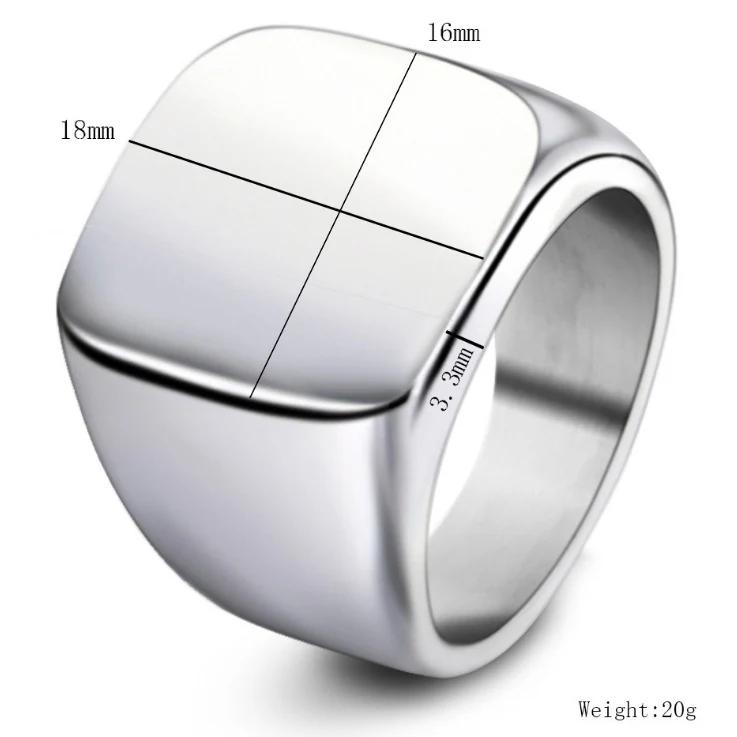
One source image for the Photo & Text Ring labels the top face as 16 mm by 18 mm. Those marks run across the visible face. They do not measure the finger opening.
That distinction matters when a product gallery shows dimensions without explaining each one in the caption. A number near the top surface may help you judge the visual size of the design, but it cannot select a ring size.
Keep three fields separate when comparing images:
- Inner diameter: the opening used for a product-specific fit comparison.
- Face dimensions: the visible area on top of the ring.
- Band dimensions: the width or thickness of the surrounding ring structure.
If the arrows do not make the measurement clear, ask for a labeled diagram instead of assigning your own meaning to the number.
Keep the personalization area out of the sizing decision
A larger-looking face does not prove that it supports more text or a particular photo layout. The source SKU wording for this design mentions text or image engraving, but it does not establish an approved character limit or confirm that a photo and a separate message can be placed together.
Resolve fit and personalization as separate tasks. First record the intended finger and the measurement. Then prepare the text or image and ask which surface can receive it. This avoids choosing a size because a mockup happens to show the message you want.
Before approving a design, keep the exact product, finish, supplier size label, stated diameter, and unanswered questions together. If the measured opening falls between two stated diameters, ask about the specific finished ring rather than rounding the measurement into a presumed fit.
Source
1688 source listing for the Photo & Text Ring, including its SKU size labels and dimension image. Source information is supplier-reported; final Energvia sales sizes and personalization regions remain unapproved.
Resolve a measurement near two source options
Keep the original ruler photograph if your reading falls between the supplier's stated diameters. Do not round the opening toward the option you prefer. Record both readings if turning the existing ring produces different results, and explain whether its opening is circular enough for this method. An approximate observation should stay approximate in the request.
In a fictional example, a wearer estimates an existing opening between two supplier diameters. The useful question is which finished option is appropriate for the intended finger and how that recommendation was determined. Selecting the nearest label from the table would conceal the uncertainty instead of resolving it. A professional sizing result, if obtained, should still be connected to this exact construction and supplier definition.
The comparison record can also identify whether the reference ring's band resembles the proposed one. This is context for the sizing discussion, not a home formula for compensating for band width. Keep the intended finger, the reference measurement, its uncertainty, and the candidate's stated diameter together.
Once a supported size choice is identified, attach the supplier option label to the personalization brief. If the size or finish changes later, confirm that the same proposed inscription region still applies. A successful text proof and an unresolved fit reading should remain two separate statuses until both decisions have an identifiable basis.