Keep the original photo file if it is available. A screenshot is a copy of what a screen displayed; it does not recreate detail absent from that displayed image.
Look for the source before making another copy
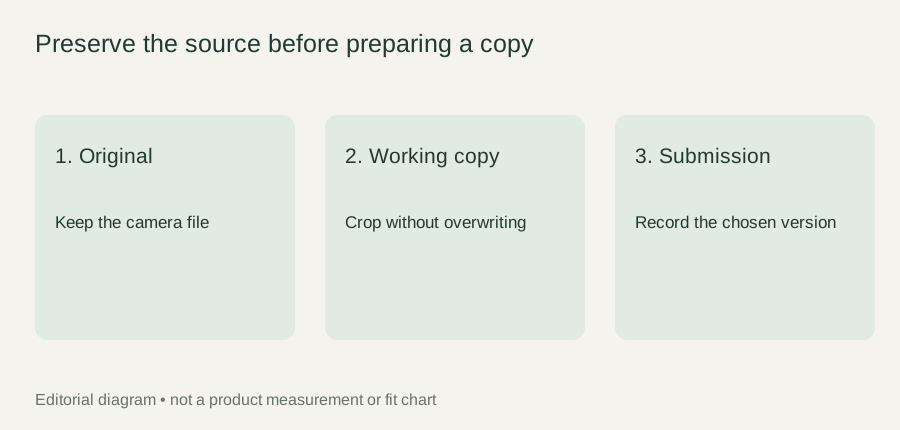
Check the original camera album or ask the person who took the photograph for their file. Keep that file unchanged and prepare any crop as a separate copy. Avoid repeatedly downloading, screenshotting, and resaving the same image.
Epilog's image-resolution guidance explains that a higher machine setting cannot repair low-quality artwork. This is general process guidance, not proof of the equipment used for this bracelet.
State what you actually have
If only a screenshot remains, say so. Provide it as the available source and ask whether the exact process and region can use it. Do not report guessed dimensions or call it an original.
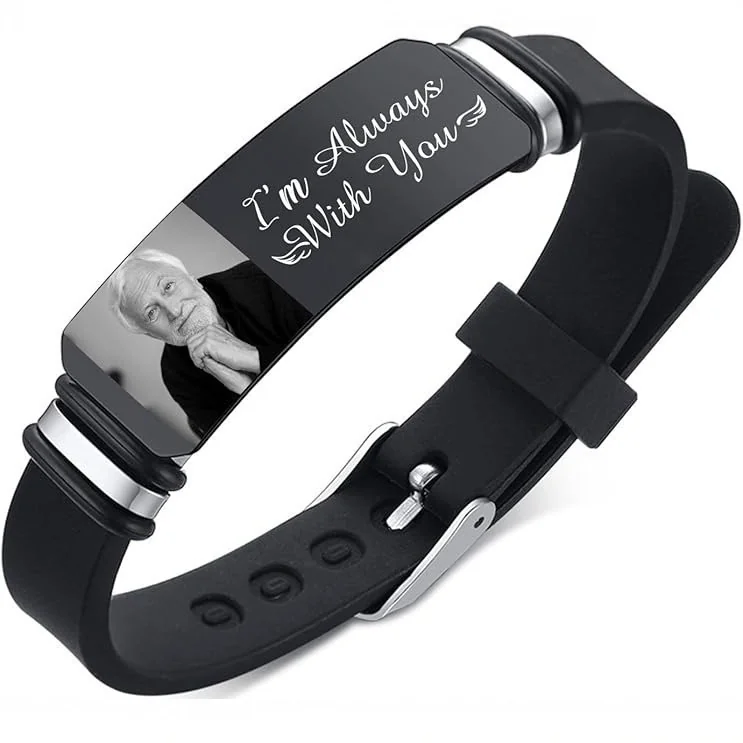
For The Portrait Cuff, ask for the supported format, image requirements, and proof procedure after capability is confirmed. Retain the file name and selected crop in the brief so a later review uses the same image.
Trace the image back one step at a time
Begin with the copy you already have. Note whether it came from a camera album, a message, a social post, or a screenshot. This is a source record, not a judgment about its suitability. Then identify who may have the earlier file. The photographer, the person who sent the message, or the owner of the original album may be able to provide a less indirect copy.
Ask for the photograph as a file rather than another picture of the screen. Explain which image you mean using the event or filename, without requesting access to an entire private album. Keep each received candidate unchanged and label its origin. If two files look similar, that source note helps you avoid accidentally returning to the screenshot after locating an earlier copy.
Compare what the files actually contain
Open the candidates and inspect the intended subject. Check whether the screenshot includes interface icons, a caption, a border, or only part of the photograph. Check whether a downloaded copy already has a crop that removes something important. File origin is useful, but the visible contents still need review; an original file can contain blur or obstruction that a different photograph avoids.
Record dimensions only when you have read them from the file information. Do not guess from how large the image appears on your screen. Keep that factual observation separate from any seller requirement, which remains to be confirmed. A larger displayed image or a larger file size should not automatically be described as a better source for the chosen process.
Keep a simple file inventory
| File role | What to record |
|---|---|
| Available source | Where the copy came from and who supplied it |
| Earlier candidate | Whether the photographer or album owner identified it |
| Proposed crop | Which source it uses and what was removed |
| Selected version | The filename that controls the feasibility discussion |
| Remaining question | The process requirement still awaiting confirmation |
You can keep this inventory in a short note rather than building a complicated archive. Its purpose is to preserve the connection between source and working copy. If the crop changes, update its entry and retain the source. If a file is no longer being considered, mark it as an alternative rather than leaving several possible finals in one folder.
A fictional file-search example
In this fictional editorial example, Devon has a screenshot of a photograph shared during a family trip. The screenshot includes a caption and cuts off the lower edge of the image. Devon asks the relative who took the photograph for that specific file. The relative supplies two similar shots, and Devon compares the expression and framing rather than assuming the first attachment is correct.
Devon selects the shot that retains both people and records its filename. A separate crop removes optional background while keeping the original intact. The screenshot stays in the notes as the image that started the search, but it is no longer the active source. The maker receives a clearly identified source and a proposed crop only after an appropriate submission workflow is confirmed.
If the relative cannot find the earlier file, Devon can still describe the screenshot honestly and request a feasibility assessment. That response should explain what the available file can support. Enlarging it and renaming it “original” would hide the limitation without supplying missing detail.
Handle the screenshot-only case clearly
Do not repeatedly edit the available screenshot in an effort to make it seem more original. Preserve it, note any interface content or missing edges, and identify the feature that matters most. If removing an interface overlay would require reconstructing part of a face, call that a separate editing proposal rather than an ordinary crop.
Compare another photograph if one is available. A different image with the same meaningful subject may be a more suitable choice, but the recipient should agree to the substitution. The final source note should explain what you have, why it was selected, and what the maker must evaluate. It should never imply that a file search has established production capability or a guaranteed finished result.