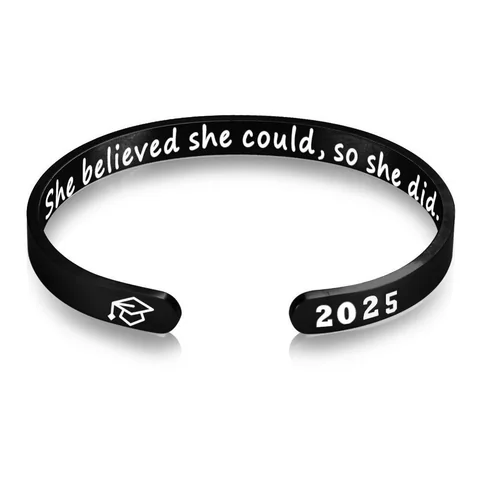
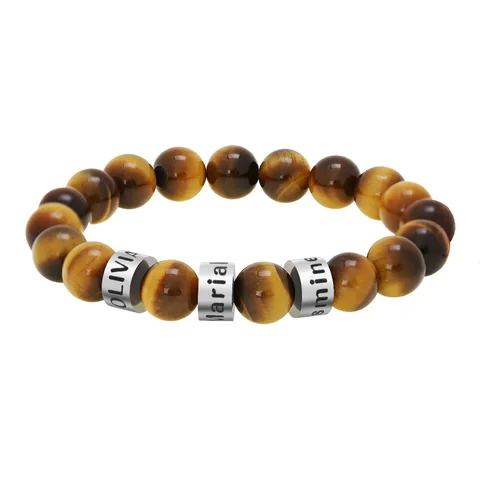
Write two briefs: one for the image and one for the text. Then ask whether the chosen piece provides confirmed space for both.
Assign a job to each element
An original brief might say, “Image: keep the face and both eyes visible. Text: use the exact first name, Morgan.” Keep the spelling decision separate from the crop decision.
If the phrase overlaps a face in a mockup, decide which element has priority. Shrinking both until they fit can produce a layout that preserves neither clearly.
Ask for a combined layout after the regions are confirmed
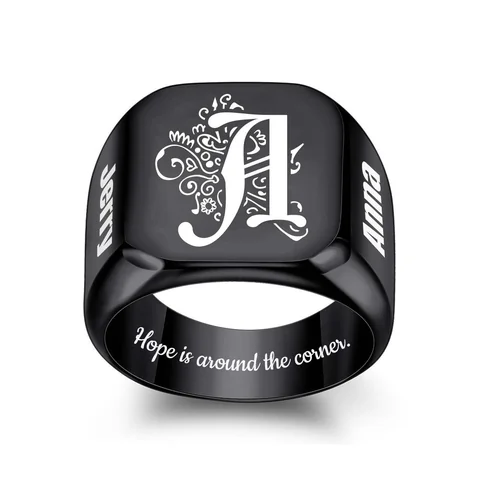
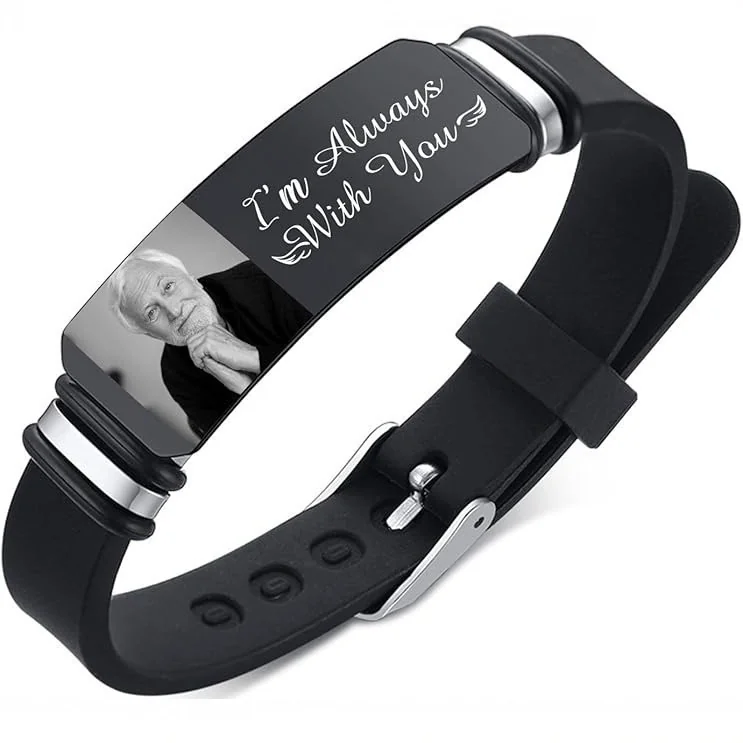
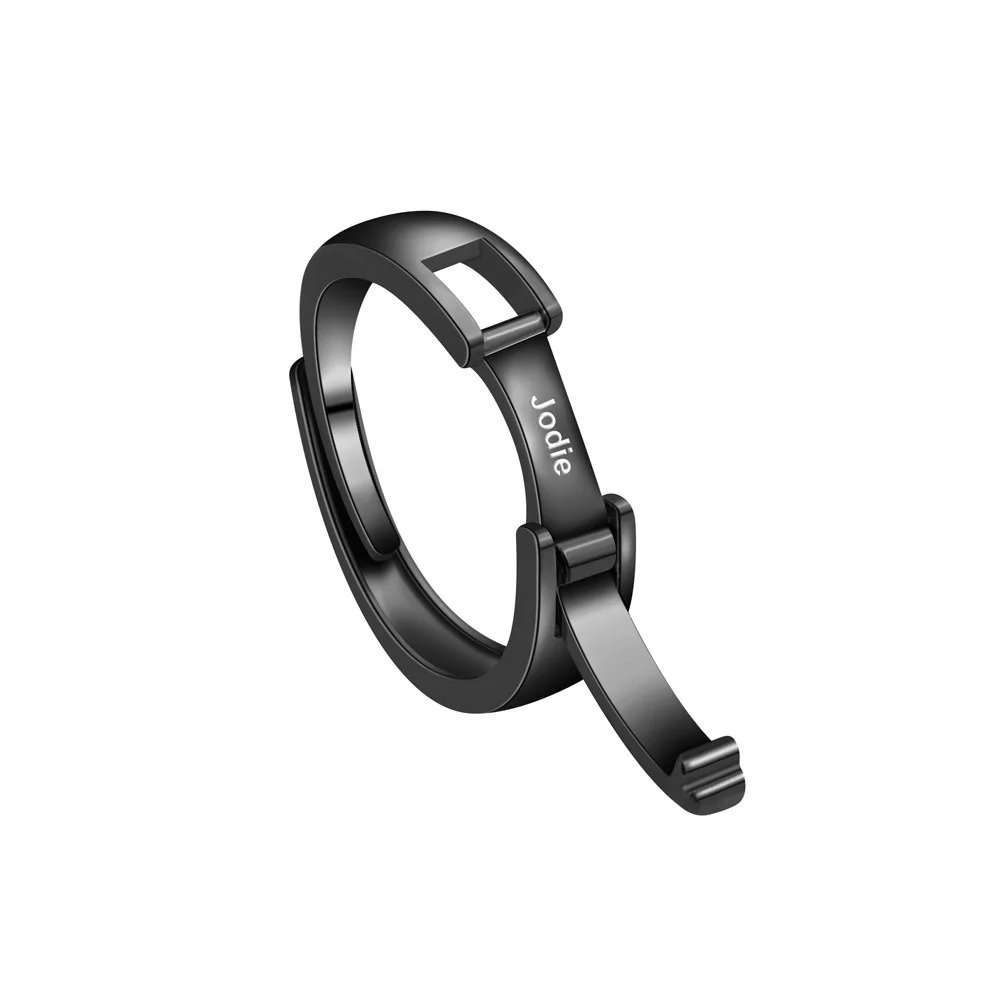
For The Portrait Cuff, request the image region, text region, line arrangement, and intended scale. The Name Ring illustrates a different text-only location; do not transfer a bracelet image request to it without explicit capability confirmation.
Review the final layout twice: once against the original photograph and once against the exact text string. Confirm that the selected option matches both. A picture of someone else's portrait beside a phrase is a reference, not an approval of your combination.
Establish the priority before arranging the elements
Decide which element carries the central meaning. If recognition of the face is essential, write that requirement first and treat a long phrase as negotiable. If the exact words are essential, state that before proposing an image. This lets you evaluate a layout with a clear priority rather than shrinking both elements until an attractive mockup appears complete.
You can also decide that both are required. In that case, an option that supports only one is unsuitable for the intended combination, even if it looks appealing. Do not assume that a text field and an image field on a website prove the physical version has two approved areas. The product-specific explanation must identify where each element can actually appear.
Keep the text independent of the photograph
Write the final string in plain text. Identify any line break as a proposal that needs confirmation, and include punctuation only when it is intended to appear. Keep the photograph unchanged instead of embedding words permanently into the only source copy. A separate text record allows a spelling correction without forcing the image to be recreated.
For the image, list the features to preserve and the background that may be reduced. If a crop exists, label it as a proposed crop. These two records give the maker distinct tasks: represent the selected subject and reproduce the selected text in approved locations. The maker should not have to extract a name from a stylized screenshot or guess which version of the photograph is current.
Request a region-by-region explanation
Ask for a layout that identifies the image area and text area on the exact intended option. It should be clear whether these are separate regions, a shared surface with a proposed division, or an unsupported combination. A decorative drawing can communicate a preference, but should not be mistaken for a verified manufacturing map.
| Review item | What to establish |
|---|---|
| Image location | The approved area for the selected representation |
| Text location | The approved area for the exact string |
| Relationship | Whether the elements overlap, sit beside each other, or use separate surfaces |
| Scale | How the intended arrangement relates to the actual usable area |
| Option | Which version the layout applies to |
| Unresolved limits | Any area or process requirement still missing |
If any region remains unconfirmed, keep the combined layout provisional. Avoid borrowing the text position from another design just because it appears to provide extra room. A ring's band, a bracelet clasp, and a portrait panel are different construction references with separate capability questions.
A fictional competing-elements example
In this fictional editorial example, Lee wants a parent's portrait with the phrase “Back at the table.” The image priority is the full glasses frame and both eyes. A first mockup places the phrase across the lower face. Lee rejects the overlap because it compromises the priority feature, even though all the requested content is technically visible on screen.
Lee prepares a second proposal with text beside the image, then asks whether that division is supported for the intended option. If it is not, Lee can shorten the phrase, omit it from the jewelry and use it in a note, or consider another confirmed design. These are choices to approve, rather than permission for the maker to move or delete words independently.
The text remains unchanged in its separate record until a new version is agreed. The image remains available for another crop. This approach preserves both sources while acknowledging that the first combined arrangement may not be feasible.
Approve the combination after approving its parts
First check the photograph against the source and its priority note. Then check every letter of the text against the written string. Finally, inspect their relationship: the intended spacing, overlap, line arrangement, and orientation. A correct name beside an incorrect crop still fails the combined brief; a correct portrait beside a misspelled name does too.
Save the complete layout version and state what is approved. If only the wording has been settled, record “text approved; placement unresolved.” If the crop has been settled but the usable regions remain missing, the same distinction applies. The final document should connect two accurate elements to one supported arrangement before any finished-result claim is made.