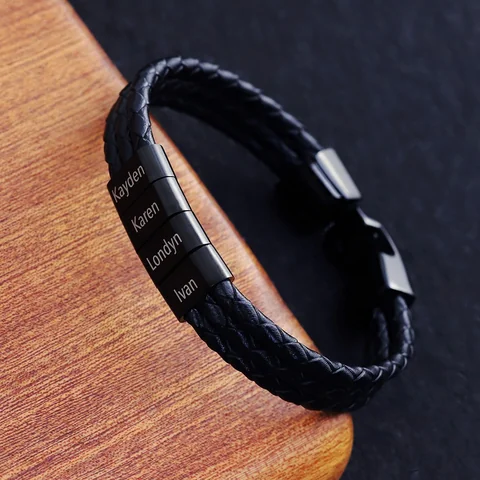
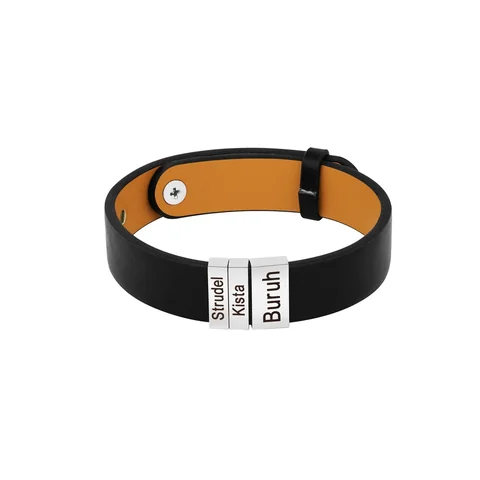
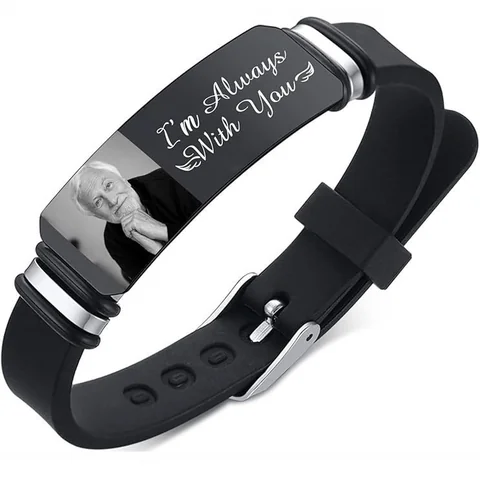
Identify the person or detail the image must preserve before cropping a photograph for a small jewelry region.
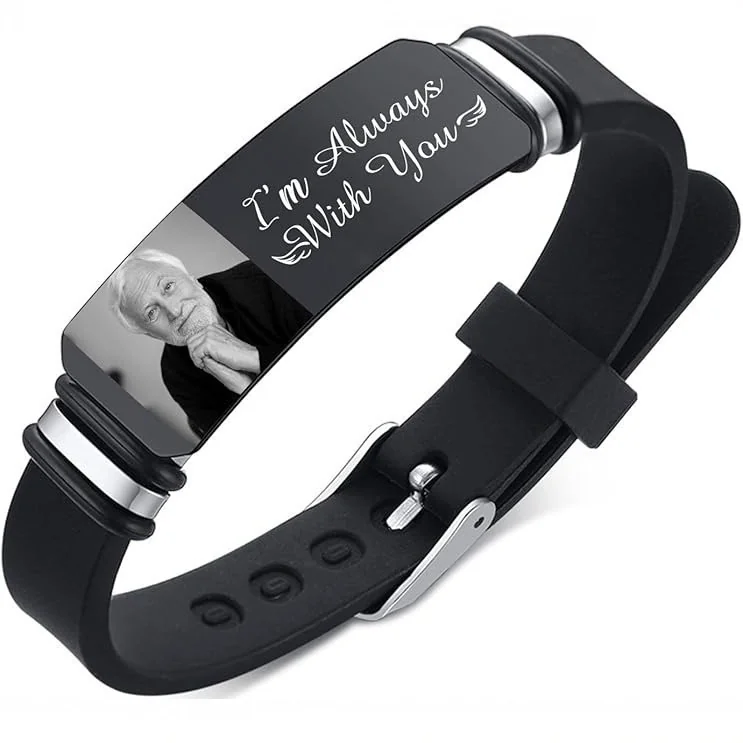
Write a one-line priority such as “Both eyes and the whole face matter; background is optional.” This is an original crop brief, not a promise about finished detail.
Try a crop that keeps the subject recognizable without cutting an important feature. View it at the proposed region's stated scale only after those dimensions and the production method are confirmed. A large phone preview can disguise what the small version loses.
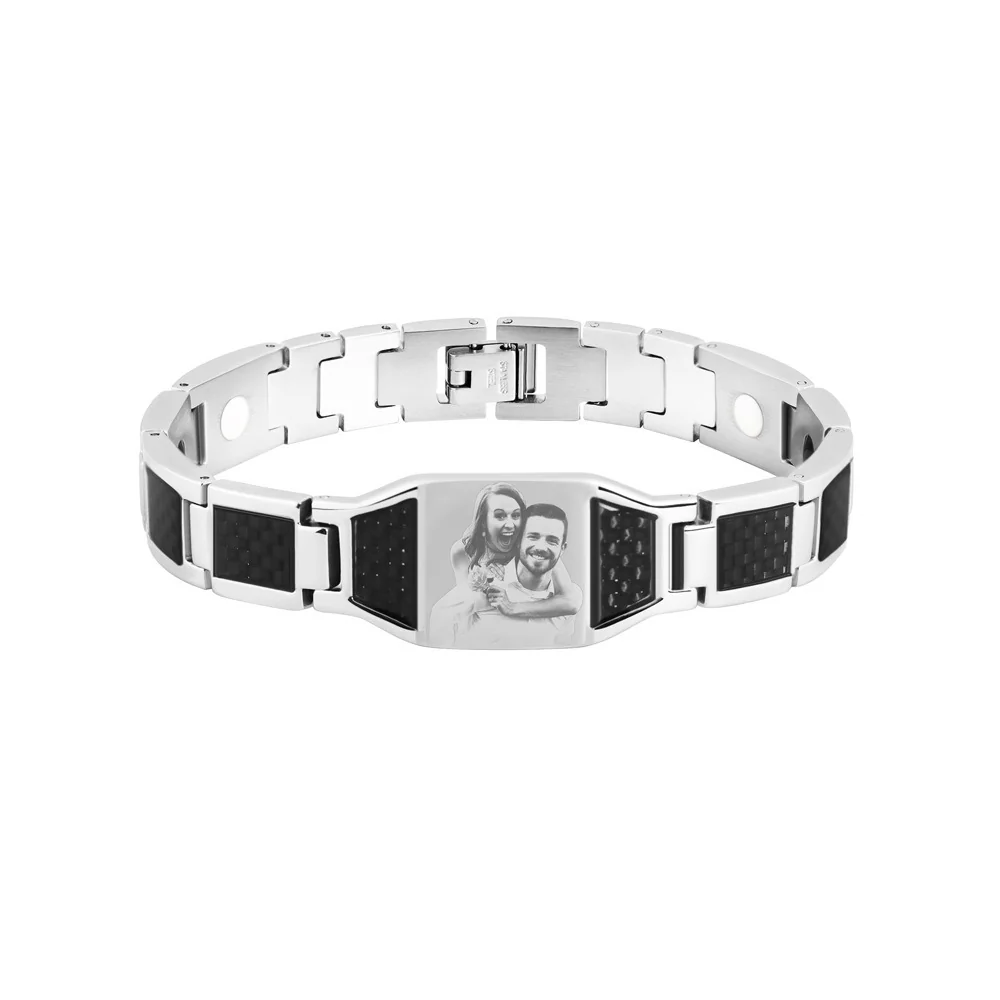
The Portrait Cuff, Portrait ID, and Photo ID references have different panels and example images. Their source photographs cannot prove that your file will reproduce similarly.
Submit the original alongside the proposed crop, with permission and the priority note. Ask for feasibility and a product-specific proof before describing the small image as clear or lifelike.
Decide what makes this photograph the right one
Ask the recipient which subject or detail carries the intended meaning. A face may be central, but the important element could also be a gesture, a pet, or an agreed part of a shared scene. Write that priority before cropping so the edit follows the recipient's purpose rather than the most obvious centered object.
Choose one main priority and distinguish any secondary details. If everything is described as essential, a small-region proposal may have no meaningful tradeoff to offer. Ask what could be omitted without losing the reason for choosing the image. Do not remove another person from a shared scene without specific agreement.
Keep the original file available with permission. It allows another crop to be considered when the first proposal fails the priority. A saved screenshot of a narrow crop may not contain the details needed to reconsider the composition.
Mark the must-keep area before trimming
On a working copy or reference view, identify the subject area that must remain. Keep any annotations outside the image intended for reproduction. The reviewer should be able to distinguish a planning arrow or outline from actual image content.
Start with a crop that preserves the agreed subject completely, then assess whether unnecessary background can be reduced. Do not move immediately to the tightest possible crop. More visible subject area is not automatically more useful if an ear, chin, hand, or another defining detail disappears.
In a fictional example, the wearer selects a photograph of their grandfather holding a familiar hat. The face is the main priority and the hat is a chosen secondary detail. The organizer prepares a proposal retaining both and asks whether the intended region can support them. If not, the wearer decides whether to lose the hat or choose another image.
Compare alternatives that answer a specific question
Prepare a second crop only when it offers a real choice. One might preserve the full subject with more surroundings; another might reduce the surroundings while retaining the same agreed features. Label the difference plainly. Several barely different crops can make approval harder without adding useful information.
View the proposals beside the original and check which details were removed. Then relate them to the confirmed production boundary when that information becomes available. Until the boundary and method are known, the crops remain composition proposals rather than accurate simulations of finished jewelry.
Avoid importing a boundary from another reference. The Portrait Cuff, Portrait ID, and Photo ID examples differ in panel appearance and image treatment. A crop prepared for one is not automatically suitable for another, even if both references show portraits.
Ask for an answer about the priority, not general beauty
Include the priority sentence with the selected file and product reference. Ask whether the actual proposed treatment can preserve the named feature. A response that an image “looks good” may not answer whether the important face or detail remains distinguishable within the intended region.
If a proof is supplied, compare it with the agreed priority first. Then assess the overall composition. A pleasing layout that loses the reason the image was selected needs reconsideration. Do not treat an attractive preview as evidence of a manufacturing process or a promise of finished sharpness.
Record any proposed change to the image separately. Background removal, tonal conversion, or a new crop can affect the subject differently. Ask the recipient to approve the particular changed version rather than assuming their approval of the original carries over to every edit.
Resolve the tradeoff with the recipient
If the main subject cannot be preserved as intended, the wearer can select another file, compare another supported region, or choose nonphoto personalization. Do not demote the main subject to a secondary detail solely to keep the first product choice.
Keep the rejected proposal clearly identified so it is not submitted accidentally later. Save the chosen file version and priority sentence together. This gives the subsequent review a stable reference for what mattered, rather than an open-ended request for the best-looking crop.
The completed crop brief should answer one concrete question: what must remain for this image to still be the recipient's chosen image? That answer makes later layout decisions more useful and keeps personal significance separate from unverified reproduction quality.