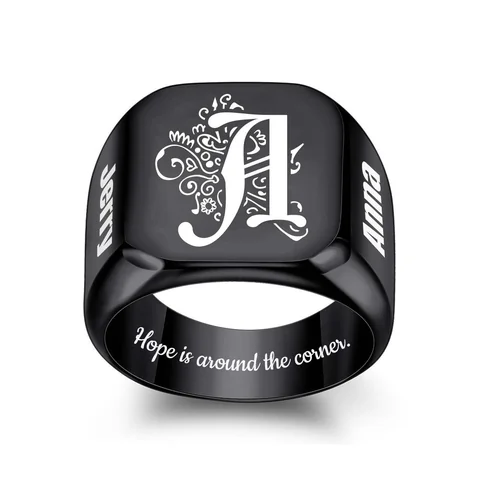
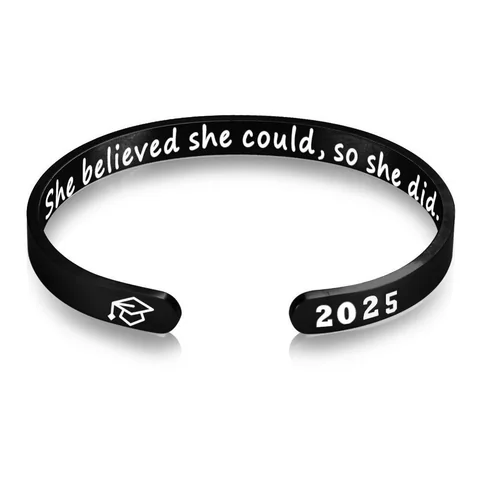
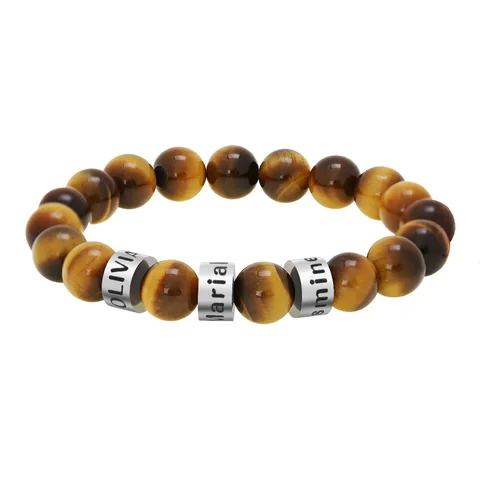
If the colors in your photograph are part of what you want to preserve, look for a process explicitly described as color printing. If you want an engraved image, ask to see an example produced on the same surface. Sending a color file does not, by itself, establish that the finished piece will reproduce those colors.
When you search for a photo engraved bracelet, you may also encounter printed-photo designs. Compare the actual process rather than treating every photo bracelet as an engraving.
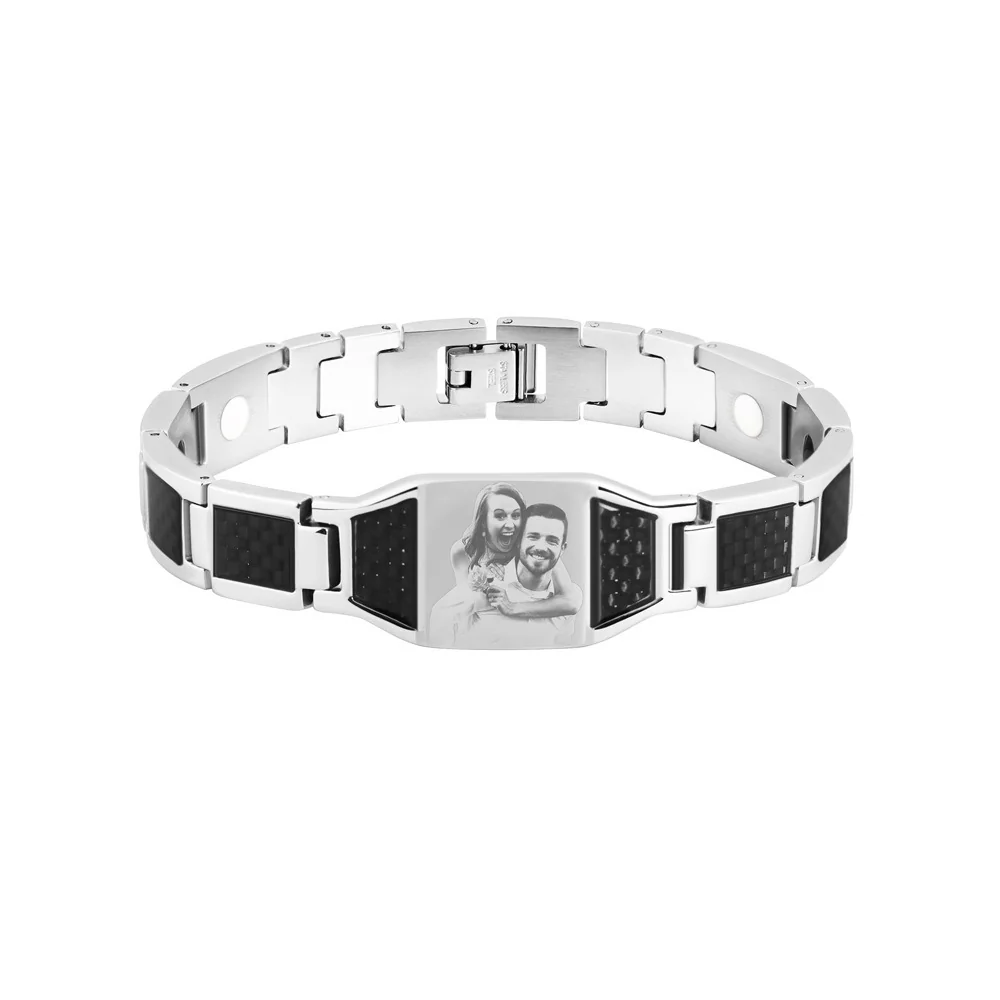
What the source options actually say
The source records behind two Energvia references use different wording:
| Energvia reference | Wording in the supplier record | Useful conclusion |
|---|---|---|
| The Portrait Cord Bracelet | A color-printed photograph; processing attribute lists printing | The source describes a color-print option |
| The Portrait ID Bracelet | Separate text-engraving and image-engraving options, including the term “影刻” | Text and image options should not be treated as interchangeable |
The Portrait Cord's color-print wording was visible on the source page checked on October 3, 2026. The Portrait ID distinction is recorded in the original supplier SKU data. Neither establishes a tested result, an approved resolution requirement, or a finished-product durability claim.
These records give you a better starting point than comparing the names alone. The Portrait Cord Bracelet and Portrait ID Bracelet pages are design references; their galleries should not substitute for a process-specific production sample.
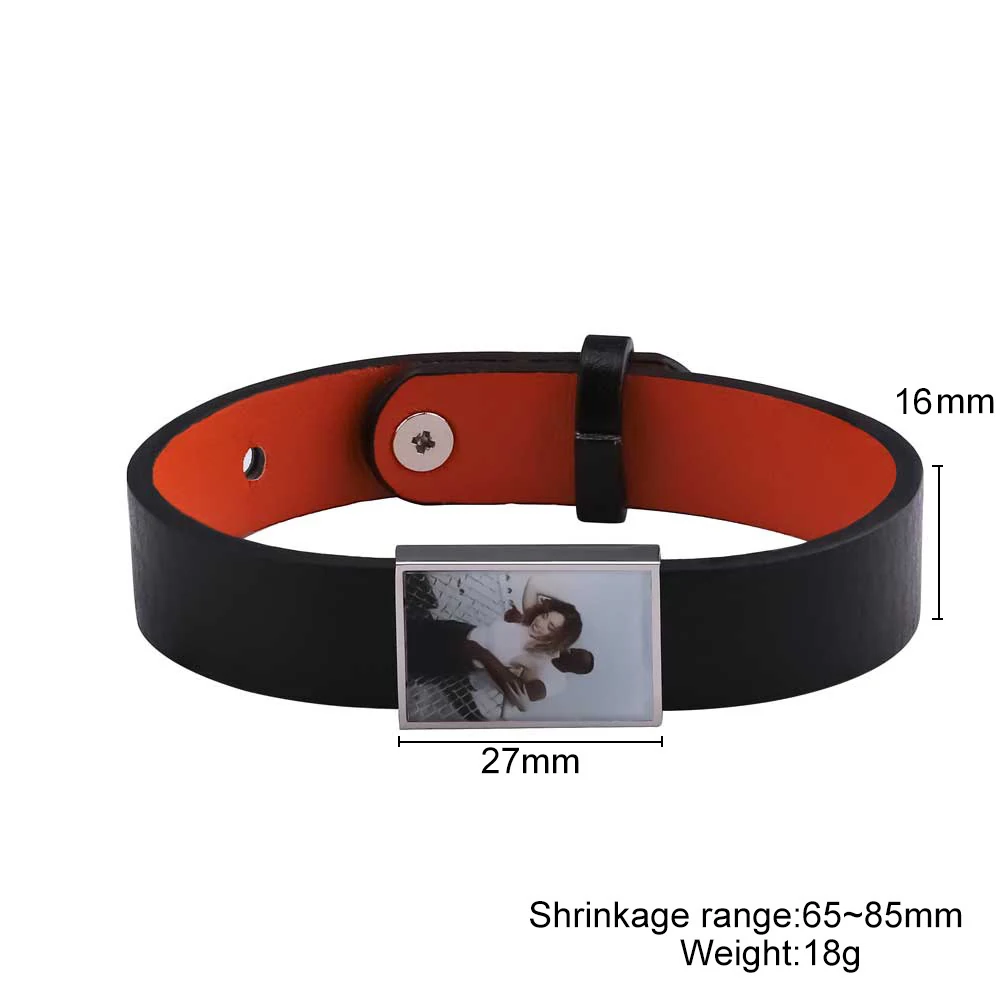
Decide which details carry the photograph
Consider an example photograph of two friends wearing bright jackets against a dark background. If the jacket colors are the reason you chose the image, include that requirement in the brief. If the faces and pose carry the meaning, you may prefer an image treatment in which the colors are less important.
This is an editorial example, not a customer's experience or a comparison of tested bracelets.
Write down the two or three details you want kept: both faces, a particular object, or a recognizable outline. Then identify anything that can be removed, such as a large area of empty background. Do this before making a tight crop that might eliminate a detail the maker needs.
Ask for a sample that answers the right question
An image laid over a bracelet photograph can show placement. It cannot prove how the manufacturing process will render that image.
For a printed option, ask whether the sample demonstrates the same printing method and surface as the intended design. For an engraved option, ask whether the reference uses the same material, finish, and image process. A photograph of an engraving on wood does not settle what a metal panel will look like.
Epilog's photo-engraving guidance explains that the same photograph can produce different engraved appearances on different materials. It also recommends photographs with varied shading rather than large areas of a single tone. That is general process guidance, not proof that Energvia uses Epilog equipment.
Prepare two files with different jobs
Keep the original photograph intact. Save a separate crop for the proposed layout and label it clearly. If there is text to add, supply that text separately instead of embedding it permanently in the only copy of the photograph.
Your brief can then say: “Use this original image as the source. The second file shows the proposed crop. Keep both faces visible; the background can be reduced. Please confirm the available process and whether text has a separate approved area.”
The maker can respond to a concrete layout task. You also retain the original if the process needs a different crop or treatment.
Do not borrow care claims from another process
A color-print option and an image-engraving option may require different product instructions. The source wording alone does not establish water resistance, resistance to rubbing, or a cleaning method.
Choose the intended visual result first, confirm the exact process and surface second, and obtain the care instructions for that version before treating the piece as ready for everyday use.
Compare samples against a written appearance brief
Before reviewing a sample, list the details you expect it to answer. In a fictional editorial example, a photograph includes two people and a bright yellow scarf. If the scarf's color is essential to the memory, the brief states that explicitly. If the faces and shared pose are essential while the color is optional, the brief says that instead. This avoids rejecting or accepting a process based on an unstated expectation.
When a maker supplies a sample, identify whether it is a digital layout, a photograph of a finished surface, or a physical example. Note the stated option and process. Then compare only the features that example can demonstrate. A digital layout can show the scarf's location but cannot establish how its yellow will appear after production. A finished sample from a different surface may illustrate an effect without proving the result for the intended version.
Keep the comparison notes with the source file and selected crop. Record which appearance questions were answered and which remain open. If colors are not supported by the confirmed process, decide whether a different representation still preserves the meaning or whether another option is required. The useful outcome is an explicit choice about the photograph's appearance, rather than assuming that every process accepting the same file produces the same result.
Product sources
Portrait Cord source and Portrait ID source. The process distinctions are supplier-reported. Energvia manufacturing approval and finished-image samples have not been obtained.