Check whether the important facial details are visible before changing brightness. Lightening an image can change its appearance without recovering detail that the source never captured.
Inspect the parts you want to recognize
Look at the eyes, mouth, hairline, and any distinctive feature the recipient values. Note which detail disappears into shadow and which is simply dark but still visible. Keep the original image and describe the issue rather than overwriting it with an aggressive filter.
Request a proposed representation
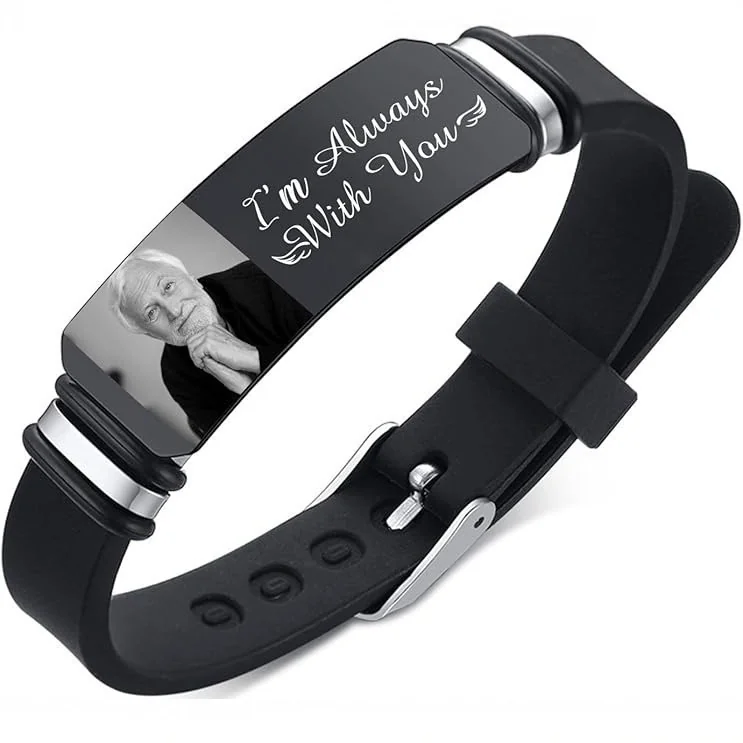
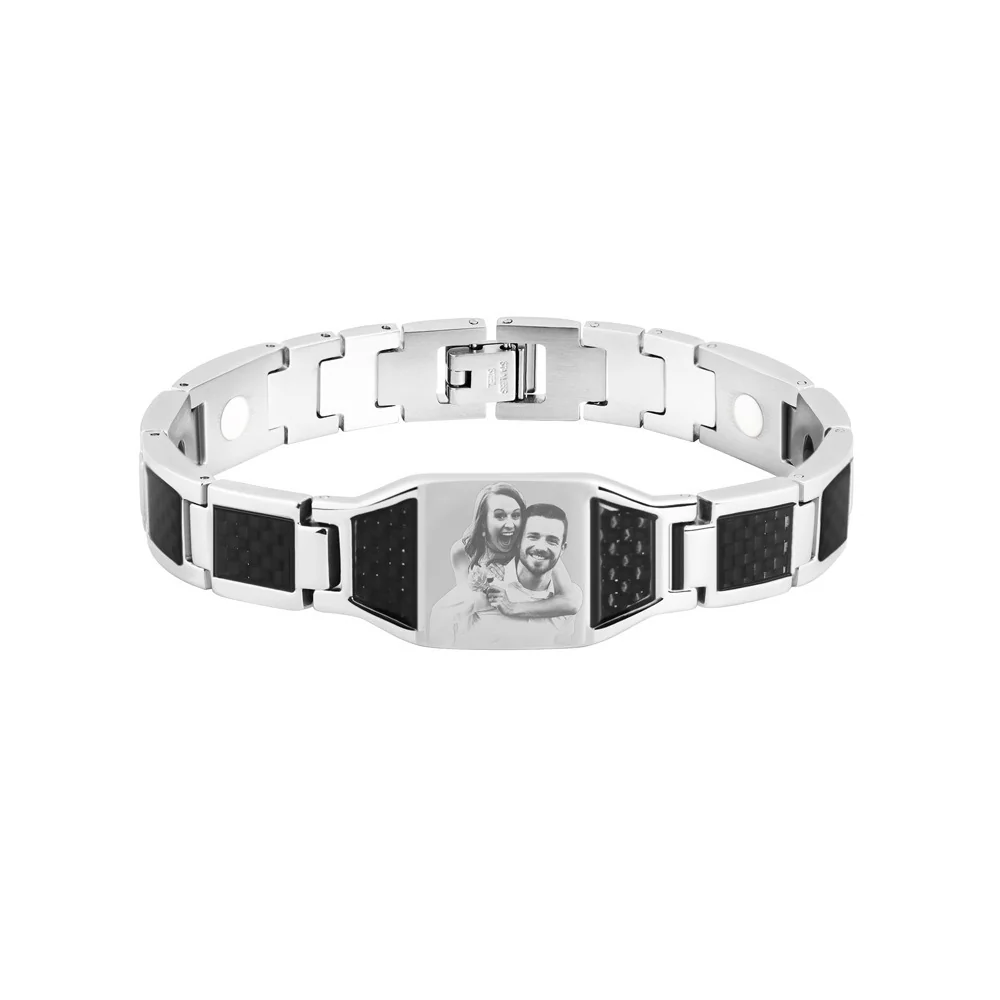
For The Portrait Cuff or The Portrait ID Bracelet, first confirm whether the image is engraved, printed, or represented another way. Ask for the relevant proof before approving brightness or contrast changes.
If a working copy is adjusted, label it and compare it with the original for lost background detail, changed skin appearance, and altered edges. The recipient should approve the intended representation.
When a key feature cannot be shown clearly, consider another photo. Do not promise that a machine or editor can recover it solely because a gallery example looks crisp.
Describe the darkness before proposing an edit
A dark background, a shadow across the face, and a generally dim photograph are different observations. Write down where the problem appears. “The right eye is hidden in shadow” identifies a recognition concern. “The background is dark but the face remains visible” may identify a source that does not need the same intervention. Avoid treating every dark area as an error that must be brightened.
List the features the recipient needs to recognize. You might need the shape of the glasses, the mouth, or a distinctive hairline. Inspect each in the unchanged source and mark it as visible, uncertain, or absent. This creates a practical review sheet without claiming that the image can be repaired. If the essential feature is absent, consider another source before investing in cosmetic adjustments.
Separate representation choices from source changes
A proposed grayscale treatment, contrast change, or background reduction should be identified as a working interpretation. It is not the original photograph, even when it remains close to the source. Keep the unchanged file alongside it and describe the intended change in ordinary language. The maker can then explain whether that interpretation is compatible with the confirmed process.
Do not begin with an arbitrary brightness value or an editing recipe borrowed from a different material. First establish what result is being discussed: the important features, the available area, and the process-specific representation. If the maker offers an adjustment, ask to review the actual adjusted file and its intended role. Approval of that file is distinct from approval of a finished piece.
Make a comparison checklist
Compare the original and proposed version using the same crop so the review concentrates on the treatment rather than a changed composition.
| Feature to inspect | Question for the comparison |
|---|---|
| Eyes and glasses | Are the required boundaries still visible? |
| Mouth and expression | Has the intended expression been altered? |
| Hairline and outline | Is the person still represented as intended? |
| Background | Did useful context disappear? |
| Bright areas | Has a meaningful detail become indistinct? |
| Overall identity | Does the recipient approve this interpretation? |
The checklist does not measure engraving quality. It documents what changed in the image being proposed. If the treatment improves one feature while losing another, record the tradeoff explicitly. The recipient can decide which detail matters rather than approving the version solely because it appears brighter.
A fictional dark-portrait review
In this fictional editorial example, Robin wants to use a portrait taken beside a window. One side of the face is visible, while the other eye is difficult to distinguish. Robin's priority note identifies both eyes and a familiar smile. A proposed brighter copy reveals more of the cheek but still does not clearly show the eye.
Robin does not describe that copy as restored. Instead, the note says that the eye remains uncertain and asks whether the confirmed process can represent the available detail. Another portrait from the same occasion is considered because it shows the face more evenly. If Robin chooses it, the source file and crop record are updated before a proof is requested.
Suppose the favorite original remains the only acceptable image for sentimental reasons. Robin can keep it in the accompanying card and consider a text-based piece, or wait for a documented assessment. This preserves the memory without promising that a machine will manufacture missing facial detail. The decision belongs to the person approving the gift.
Ask for evidence that addresses this photograph
A crisp gallery portrait establishes what that image looks like in the gallery. It does not resolve the shadow in your source. Ask a prospective maker to identify the exact process and show how the proposed representation addresses your priority features. If a physical sample is offered, clarify whether it uses the intended surface and treatment rather than assuming that any image sample is comparable.
Keep the source, proposed treatment, and approval comments together. Mark whether the crop, the image treatment, or the manufacturing proof has been reviewed. If a later version changes the face again, repeat the comparison. A clear record of the unresolved feature is more useful than calling the file improved without saying what actually improved.